


Proton Black Friday, until 30 November: 60% off Proton Mail Plus on the 12-month plan, $23.88 for the first 12 months.
After that it renews at $47.88 a year, the regular price. See every Proton Black Friday deal.
Short answer: The Gmail data ads change is real but narrow: since October 16, 2026, Google’s privacy policy lets content from Gmail, Drive and Google Photos shape ads in Search only if you choose to connect those apps to Google’s Personal Intelligence features, connecting is opt-in, and Google’s own help pages do not offer it in the EU, the UK or Switzerland, even though the policy text is global. If that exception is reason enough to move your inbox, Proton Mail is the best private alternative for most people, because its encryption means the provider cannot read your mail in the first place.
- Do nothing drastic if you never connected Gmail or Photos to Personal Intelligence: for your account, nothing changed.
- Disconnect the apps if you did connect them and want to stay on Google: it takes two minutes in your Google Account and in Gemini.
- Pick Proton Mail if you want an inbox that no policy update can open up, with a gradual move through Easy Switch.
- Pick Tuta if you want encrypted subject lines and are happy to use its own apps instead of a desktop mail client.
Proton Mail Plus Black Friday offer: $23.88 for the first 12 months ($1.99 a month), then renews at $47.88 every 12 months. Proton advertises it as 60% off; the offer runs until November 30, 2026. Free plan: yes, 1 GB with Easy Switch included. Prices in US dollars, checked November 2, 2026.
Table of contents
Headlines about the Gmail data ads story range from calm to alarming, and most of them skip the two facts that decide whether it touches you at all. The new exception only applies if you connect Gmail, Drive or Google Photos to Google’s Personal Intelligence features, which is opt-in. And connecting is not offered in the EU, the UK or Switzerland: Google’s own help pages leave those countries out, and Proton’s write-up of the change says the same, while noting that the privacy policy is a single global document. This guide shows the old and new wording side by side, explains what Personal Intelligence does with your data, tells you how to check your own account, and then looks at the private alternatives for people who would rather not depend on a setting.
What exactly changed in Google’s privacy policy?
Google added a condition to a promise it had kept in the same words since July 2021. Its privacy policy, now marked “Effective October 16, 2026”, still says Google does not personalize ads based on your Drive, Gmail or Photos content, but the sentence no longer ends there. It now carries an exception for data you choose to make available to other Google services that support personalized ads. You can read the redline yourself on Google’s comparison page between the October 12 and October 16 versions, which Google publishes for every update.
| Version | What the advertising section says |
|---|---|
| October 12, 2026 (archived, and the same in the October 1 and April 2, 2026 versions) | “We don’t show you personalized ads based on your content from Drive, Gmail, or Photos.” |
| October 16, 2026 (current) | “We don’t show you personalized ads based on your content from Drive, Gmail, or Google Photos, unless you choose to make data from these services available to other Google services that support personalized ads.” |
| New sentence, October 16, 2026 | “You may choose to allow certain Google services, including services like Search or Gemini Apps, to access data from other Google services you use, such as Google Photos and Workspace apps like Gmail and Drive, in order to provide you with a more personalized experience, subject to the policies and settings of the accessing service.” |
| Google’s own example, October 16, 2026 | “For example, Search may process some of the data that you allow Search to access to personalize content, including ads.” |
Two lines in the same section did not change. Google still says it does not show personalized ads based on sensitive categories “such as race, religion, sexual orientation, or health”, and it still says it does not share information that personally identifies you with advertisers, such as your name or email, unless you ask it to. The ad settings themselves still live in My Ad Center, which the policy points to as the place to control what Google uses to show you ads.
The trade publication PPC Land compared the October 16 text against every earlier version in Google’s archive and found that the Drive, Gmail and Photos sentence was added on July 1, 2021 and had stayed word for word the same until this update. That history is why the Gmail data ads change got attention: it is the first time the sentence has carried a condition. It is also why reading it precisely matters. The sentence did not become “we use your Gmail for ads”. It became “we do not, unless you connect these apps to a service that supports personalized ads”, and so far the only such service the policy names is Search.
What is Personal Intelligence, and how does it reach ads?
Personal Intelligence is Google’s name for letting its AI features read your own data so their answers are about your life rather than the web in general. Google launched it in Gemini on January 14, 2026, as a beta for AI Pro and AI Ultra subscribers in the US, and brought it to AI Mode in Search the following week. 9to5Google’s coverage of the AI Mode launch gives the typical example: when you plan a trip, AI Mode can reference your hotel booking in Gmail and travel memories in Google Photos, then suggest things to do near the hotel. The same report noted that the feature is opt-in and that you must first connect Google Workspace or Photos.
Google’s Search help page on connecting your Google content apps is the clearest description of how this touches ads. In its answer to the question of whether your inbox will be used to serve ads, it says: “Ads will not be based directly on your Gmail inbox or your Google Photos library.” It then explains what happens instead. If you connect your content apps, Search may reference “summaries, excerpts and inferences” from them to personalize your experience, and “That same info may be used to show you ads.” The page also says that advertisers will not have access to your Gmail inbox or Google Photos.
So the honest reading sits between the two extremes. Advertisers do not get your mail. Google does not hand your raw inbox to its ad system. But for people who connect their apps, what Search learns from that mail, a booking, a purchase, a trip, can now inform which ads they see. Google told Ars Technica that “connecting your apps is entirely opt-in” and that ads will not be based directly on your Gmail inbox or Photos library. Ars described the statement as a roundabout confirmation that Workspace and Photos data may inform ads.
Ads are not the only use the help page lists. It says that if you connect your content apps, Google may use that data to improve its services “including by training generative AI models”, and that it trains on the summaries, excerpts and inferences rather than directly on your inbox, while adding that for a brief or particularly relevant email “the summary may just be the email or file”. A subset of data processed by AI Mode is also reviewed by human reviewers, including trained service providers, and Google asks people not to connect apps holding information they would not want a reviewer to see. For many readers, that paragraph is a bigger reason to think twice than the ads.
Who is affected, and who is not?
The Gmail data ads exception does not touch most accounts today, because it only switches on when you connect your apps. Whether you can connect them at all depends on where you live, your age and the type of account you have. Google’s Search help page says connecting content apps is available to users 18 and above with a personal Google Account, and its list of supported countries for Search covers the Americas, Asia Pacific and much of Africa and the Middle East, but includes no EU country, no UK and no Switzerland. The Gemini help page is explicit: for now, Personal Intelligence there is “Not available in the European Economic Area, Nigeria, Switzerland, or the United Kingdom.”
| Your situation | Does the new exception apply? | What to do |
|---|---|---|
| You never connected Gmail or Photos to Personal Intelligence | No. The old promise still describes your account. | Nothing, unless you want to decline future prompts with confidence. |
| You connected Gmail or Photos in Search (AI Mode) or Gemini | Yes, for ads in Search, per the policy and Google’s help page. | Disconnect the apps, or accept the trade. |
| You live in the EU, the UK or Switzerland | Not in practice today: Google’s help pages do not offer the connection there. | Nothing now, but the policy text already covers you if the feature arrives. |
| You use a work or school Google Workspace account | Gemini’s help page says Personal Intelligence is not available on work, school or supervised accounts. | Ask your administrator about Workspace settings. |
| You are under 18 | No. Both help pages limit the feature to users 18 or older. | Nothing. |
Europeans should not read the table as “this will never concern me”. Proton’s article makes the point directly: the privacy policy is a single global document, so the new wording covers you even where the feature is not live yet. Availability is a product decision that can change with one rollout announcement. If you live in Europe, the practical effect is that you have time to decide calmly, not that the question has gone away.
It is also worth being honest about how people end up connected. Ars Technica noted that Google uses prompts and pop-ups to encourage people to turn Personal Intelligence on, so you may have accepted a prompt without connecting it in your mind to advertising. The only way to know is to look, which is the next section.
How do you check and turn off the connection?
You check in two places, because Search and Gemini each have their own connection settings. If you only look in one, the other can still be connected. The steps below follow Google’s own help pages as they read on November 3, 2026, and Proton’s walk-through of the same settings.
In your Google Account (Search, AI Mode, Maps and Shopping)
- Open your Google Account and go to Data & privacy.
- Under Personalization & activity, open the Search Services Personalization settings.
- Go to Additional Personal Intelligence, then Connected Content Apps.
- If Google Workspace or Google Photos shows as connected, disconnect it.
Note what a single connection covers. Google’s help page says connecting your content apps “means that all Search services will be permitted to access” Workspace and Google Photos, and it lists Search services as Google Search (including AI Mode and Discover), Maps (including Ask Maps), Shopping, Flights, Hotel, Translate and News. One switch, many products. If you want no personalization in Search at all, you can also turn off Personalized Recommendations on the same page, since Google lists it as a requirement for the feature.
In Gemini
Google’s Gemini help page on Personal Intelligence gives the path on a computer: go to gemini.google.com, click Settings & help, then Personal Intelligence, then Connected Apps, and turn off any app you do not want connected, including Google Workspace, Google Photos and Search services. The page adds a detail that is easy to miss: if you only disconnect an app, Gemini might still use information that already sits in a past chat, so you also need to delete those chats from Gemini Apps Activity.
What disconnecting does not undo
Disconnecting stops future use; it does not erase the past. Google’s Search help page says that disconnecting a connected app, or deleting data inside that app, “doesn’t delete any data from your Search Services History”, and that this data can still be used for product improvement, including training generative AI models. To clear it, you delete your Search Services History from activity.google.com. Your general ad personalization is a separate control again, in My Ad Center. Someone who wants to be thorough about the Gmail data ads question therefore has four things to check: the Search connection, the Gemini connection, the stored history, and ad personalization.
What does it mean for Google Drive and Google Photos?
The policy names Drive and Google Photos alongside Gmail, so files and pictures fall under the same exception once you connect them. In practice the list of apps Search can connect to is shorter than the policy’s list today. Google’s Search help page says you can currently connect Google Workspace, “currently Gmail and Google Calendar”, plus Google Photos, and that connecting Photos “isn’t available in all regions”. Drive is named in the policy but not in that list. That is a reason to read the policy as a statement of what Google may do, not a description of what each product already does.
Photos deserve special attention because of what a library reveals: faces, places, dates, receipts photographed for expenses, documents snapped on a phone. Gemini’s help page says that before Gemini can personalize your experience from Photos, you need to turn on Face Groups and select which face is yours. None of that is secret, but it is a long way from “my backup of holiday pictures”. If you would rather your photos sit somewhere the provider cannot analyse at all, our guide to private Google Photos alternatives compares the options in detail.
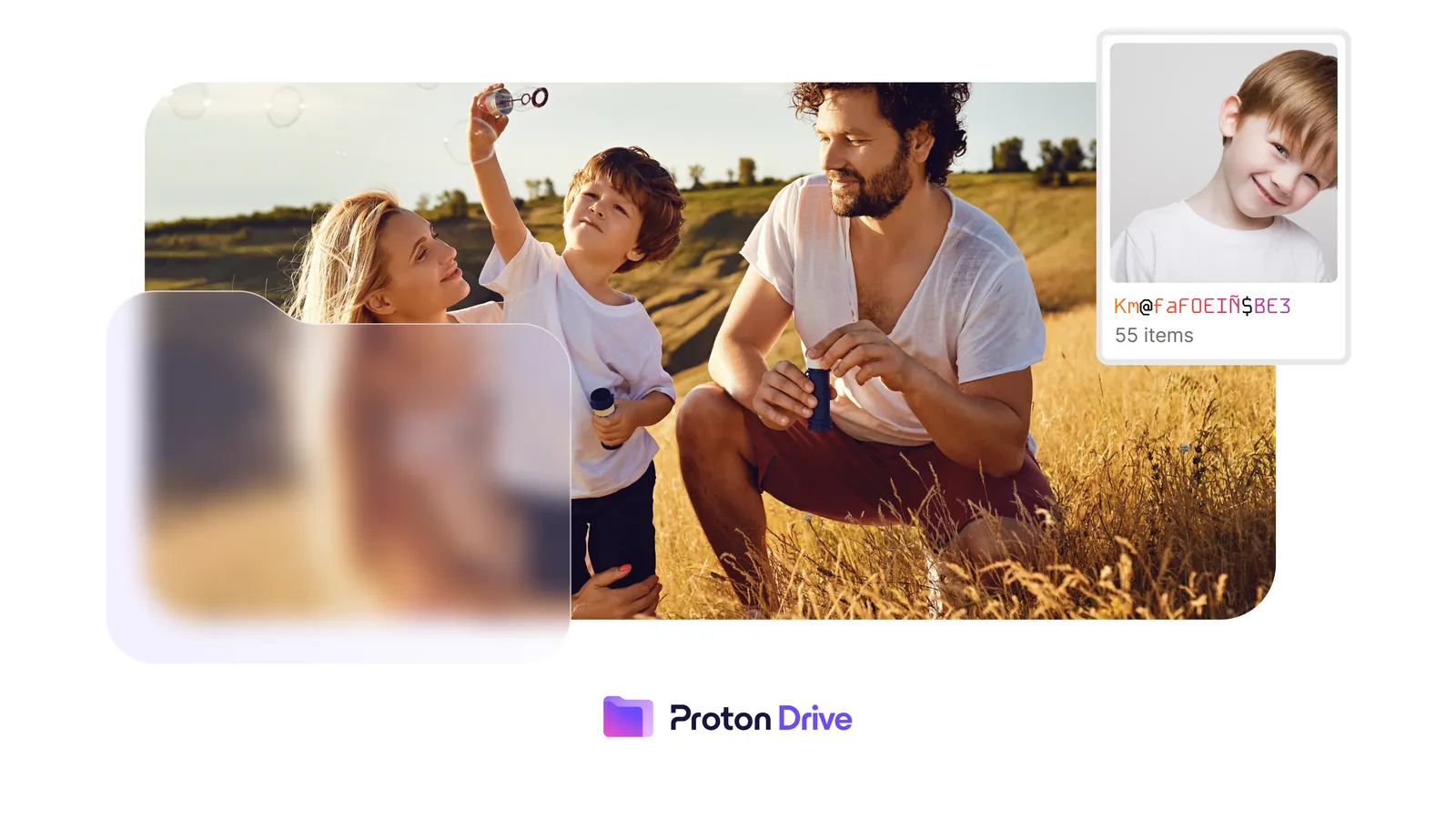
Proton Drive is the counterpart we would start with for people already moving their mail to Proton. Proton says images in Proton Drive are protected by end-to-end encryption “so no one else” (including Proton) can see them or use them to train AI models, and that Drive also protects metadata such as file names, thumbnails and timestamps. Proton’s support guide describes the move: you export your library with Google Takeout, which includes images, videos, albums and their metadata, then import it through the Drive web app or the Windows desktop app. You can look at Proton Drive’s plans once you know how much space your library takes, and our Proton Drive review covers what it does well and where it is weaker than Google.
Isn’t switching just trusting another company?
It is a fair objection, and the answer is that the difference is architecture, not a better promise. Google’s protection for your Gmail was a sentence in a policy, and October 16 showed that a sentence can gain a condition. Google can read your mail, which is exactly what makes Personal Intelligence possible: AI Mode cannot summarise a hotel booking it cannot see. A service built so that the provider cannot read your messages does not depend on a sentence staying the same, because a policy change would not give the provider access to content it never holds in readable form.
Here is what that means in Proton’s case, from Proton’s own explanation of how Proton Mail messages are encrypted. All messages and attachments in your inbox are secured with zero-access encryption, which Proton says means nobody else can access your emails, “not even Proton”. Body content and attachments are stored with end-to-end encryption, including messages that arrived from non-Proton addresses. Messages between Proton addresses are always end-to-end encrypted in transit.
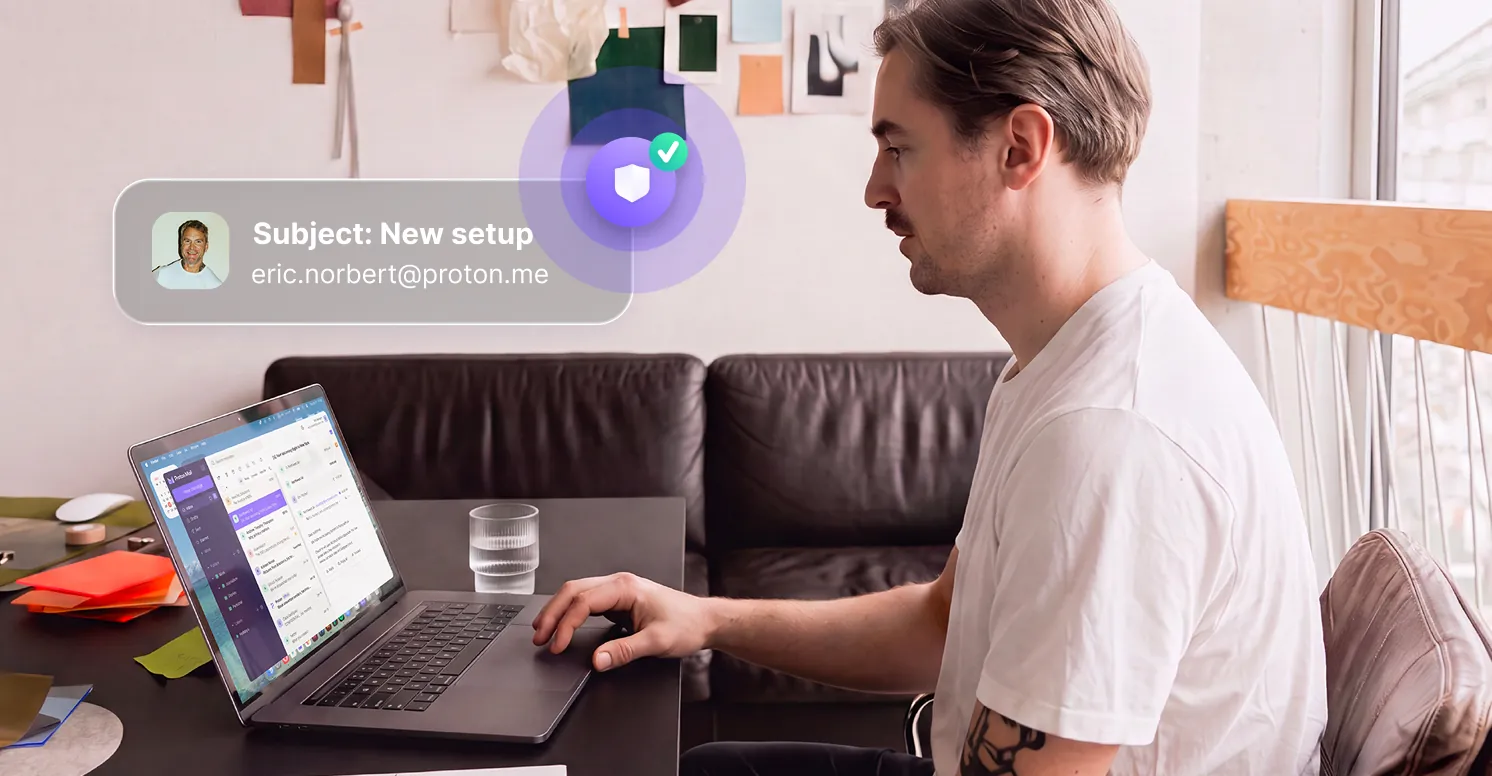
The same page is candid about the limits, and you should know them before you switch. Subject lines are not end-to-end encrypted, because Proton follows the OpenPGP standard, in which the subject sits in a header that is not end-to-end encrypted. Mail you send to a Gmail or Outlook address travels with TLS and is readable by that recipient’s provider once it arrives, unless you use Proton’s password-protected emails. Encryption protects what you store; it cannot reach into other people’s inboxes.
The second part of the answer is that you do not have to take Proton’s word for how its apps behave. Proton says all of its apps are open source and have been independently audited, and that anyone can inspect the code or read the audit reports. Open code does not make a company trustworthy by itself, but it moves the question from “do I believe them” to “can someone check”, and for encryption the second question is the one that matters. The third part is the business model: Proton says its revenue comes from paid plans rather than ads, and that it cannot scan your inbox or use your photos to train AI models. A company with no advertising business has no ad system for your mail to feed.
None of this means Proton is beyond criticism, or that you should never trust a company again. It means you can pick a provider whose design makes the specific thing you are worried about, your mail being read to personalize anything, technically out of reach.
Which private alternatives to Gmail are worth it?
Ranked for someone leaving Gmail because of this change, our order is Proton Mail first, Tuta second, and staying on Gmail with the apps disconnected as a legitimate third choice. The ranking weighs how well each option removes the provider’s ability to read your mail, how hard the move is, and how much of Google’s convenience you keep.
| Option | Can the provider read stored mail? | Free plan | Moving from Gmail | Best for |
|---|---|---|---|---|
| Proton Mail | No: zero-access encryption; subject lines are not end-to-end encrypted | Yes: 1 GB, 1 address, 150 messages a day | Easy Switch imports mail, contacts and calendars and connects your Gmail address | Most people, especially anyone moving Drive and Photos too |
| Tuta | No: emails including subject lines and attachments are end-to-end encrypted | Yes: 1 GB, one calendar, 3 labels | No IMAP; you use Tuta’s own apps | People who want the widest encryption and no desktop mail client |
| Gmail with apps disconnected | Yes: Google can read your mail; the old ad promise applies while you stay disconnected | Yes | Nothing to move | People who mainly needed the reassurance and rely on Google’s ecosystem |
1. Proton Mail: the best private alternative for most people
Proton Mail wins because it solves the actual problem, a provider that can read your mail, while keeping the move gentle. Easy Switch can import your Gmail history and keep your Gmail address working inside Proton, so you do not have to tell everyone a new address on day one. The free plan includes Easy Switch, 1 GB of storage, one address and up to 150 messages a day, which is enough to test the whole route before paying. Mail Plus adds 15 GB, 10 addresses, a custom domain and hide-my-email aliases, and the same account gives you Proton Calendar and Proton Drive. Our full Proton Mail review covers the day-to-day experience, including where it is slower or plainer than Gmail.
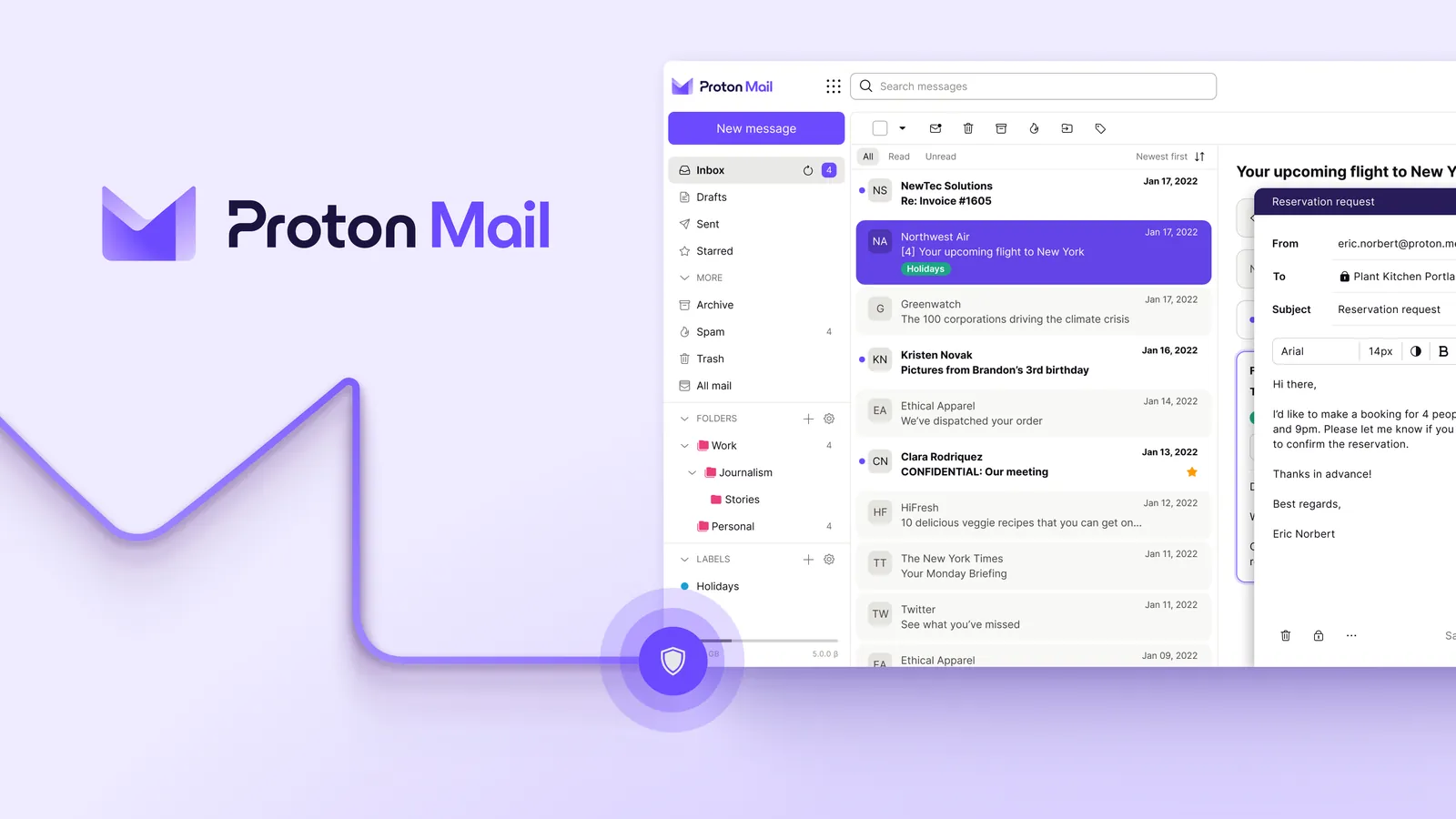
The weaknesses are real. Search inside encrypted mail is less instant than Gmail’s, the subject line exception above applies, and Proton’s ecosystem is smaller than Google’s, so you will miss some integrations. For a reader whose reason for leaving is “I do not want my mail read to personalize anything”, none of those undo the core benefit.
2. Tuta: the strictest encryption, with fewer bridges
Tuta, a German provider formerly called Tutanota, encrypts more of your mailbox than Proton does. Its encryption page lists emails “including subject lines and all attachments”, entire calendars, the entire address book, inbox rules and the entire search index as end-to-end encrypted, and says the only unencrypted data are the mail addresses of users and of senders and recipients. Its free plan offers 1 GB, one calendar and 3 labels, and its Revolutionary plan costs €3 a month paid yearly with 20 GB. The trade off is compatibility: Tuta says it does not offer IMAP, because that would mean sending decrypted data to your device, and asks you to use its own open source desktop clients instead. If you live in Outlook or Apple Mail, that matters. For a reader leaving Gmail mainly because of the ad exception, both services remove the provider’s ability to read stored mail; the choice between them comes down to how much metadata you want encrypted against how much compatibility you need.
3. Staying on Gmail, disconnected
It is worth saying plainly: if you never connected your apps, or you disconnect them now, the policy still says Google does not personalize ads from your Drive, Gmail or Photos content. Staying is a reasonable choice for people deep in Android, YouTube and Workspace. What you give up is the guarantee: your protection is a setting and a sentence, both of which Google controls, and the provider can still read your mail for its other features. If that is acceptable, the steps in the previous sections are all you need.
How do you switch gradually, without moving everything at once?
You do not have to move your whole digital life in a weekend. Proton’s Gmail migration guide is built around a staged move, and the order below follows it.
- Create a Proton account and connect Gmail with Easy Switch. In Proton Mail settings, go to Import via Easy Switch, choose Google and connect your Gmail account. Proton says Easy Switch imports your emails (including attachments), calendars and contacts, and can connect your Google account so you can send and receive Gmail messages without leaving Proton Mail.
- Let the first import run. By default, Easy Switch imports your most recent Gmail messages, using up to 80% of your available Proton storage, so space stays free for new mail. After that first import you can choose More import options to bring across the rest.
- Keep using your Gmail address for a while. With the connection in place, new mail to your Gmail address arrives in Proton. Proton notes that mail you send from the connected Gmail address to other Proton users is end-to-end encrypted, while mail to non-Proton users still goes through Gmail’s servers and is readable by Google. Free accounts can connect one Gmail account; paid plans support up to three.
- Update your important accounts first. Proton’s guide suggests starting with banking, healthcare, government services and anything tied to a payment method, then working through the rest as messages arrive.
- Move files and photos separately. Export them with Google Takeout and upload them to Proton Drive, as described above. This can happen weeks after the mail move.
- Close the Google side last. Once mail to the old address has slowed to a trickle, you can stop forwarding, or keep a near-empty Google account for an Android phone.
Our step-by-step guide to moving from Gmail to Proton Mail walks through each screen, and the de-Google your life hub maps every Google service to its Proton counterpart, including passwords and calendar.
What does it cost right now?
The free plan is enough to start, and paying is optional until your mail outgrows 1 GB or you want extra addresses. Until November 30, Proton runs a Black Friday offer on Mail Plus through partner links: on November 2, 2026 the offer page showed $23.88 for the first 12 months, which works out to $1.99 a month, renewing at $47.88 every 12 months. Proton labels it 60% off; that percentage is measured against the regular monthly price, and against the standard yearly price of $47.88 the first year costs about half. Prices can change before the offer ends, so check the page on the day. If you are moving your mail anyway, claim the Proton Mail Plus Black Friday price before November 30. Our Proton Black Friday deals page lists the other products in the sale.
| Proton Mail plan | First payment | Renews at | Storage |
|---|---|---|---|
| Proton Free | $0 | $0 | 1 GB |
| Mail Plus, Black Friday (12 months) | $23.88 | $47.88 every 12 months | 15 GB |
Frequently asked questions
Is Google now reading my Gmail to show me ads?
Not unless you connected Gmail to Personal Intelligence. The current policy still says Google does not personalize ads based on your Drive, Gmail or Google Photos content, with an exception only for data you choose to make available to services that support personalized ads, such as Search. Google’s help page adds that even then, ads are not based directly on your inbox but on summaries, excerpts and inferences Search draws from it.
Does this apply in the EU, the UK or Switzerland?
The policy text is the same worldwide, but the connection itself is not offered there today. Google’s Gemini help page says Personal Intelligence is not available in the European Economic Area, Nigeria, Switzerland or the United Kingdom, and the Search help page’s country list leaves out the EU, the UK and Switzerland. That could change with a future rollout, so the wording already covers European accounts on paper.
When did the policy change?
The current version is marked effective October 16, 2026. Google’s archive shows the version before it, effective October 12, 2026, with the old unconditional wording, and the same wording appears in the October 1 and April 2, 2026 versions.
Do advertisers see my emails or photos?
No. Google’s help page says that if you connect your content apps to Search services, advertisers will not have access to your Gmail inbox or Google Photos, and the policy still says Google does not share information that personally identifies you with advertisers unless you ask it to.
If I disconnect, is my data deleted?
No. Google says disconnecting an app, or deleting data inside it, does not delete data from your Search Services History, and that data can still be used for product improvement, including training AI models. Delete the history at activity.google.com, and delete old Gemini chats that contain the information.
Can Proton change its policy the same way?
A company can always rewrite a policy. The difference is what a rewrite could achieve. Proton stores your mail with zero-access encryption, so a new sentence would not give it the ability to read messages it holds only in encrypted form. Proton’s apps are open source and audited, which lets outsiders check that the design does what Proton says.
Is Tuta better than Proton Mail for privacy?
Tuta encrypts more metadata, including subject lines and the search index, which is a genuine advantage. Proton Mail is easier to move to from Gmail thanks to Easy Switch’s Gmail connection, and it covers files and photos with Proton Drive under the same account. Pick Tuta if maximum encryption matters most; pick Proton if a smooth, gradual move matters most.
Do I have to move Drive and Photos too?
No. Mail, files and photos are separate moves. Many people start with email, where the change is most personal, and move photos later with Google Takeout once they have checked how much space their library needs.
Should you leave Gmail over this?
Not in a panic, and not because of a headline. The Gmail data ads exception is opt-in, it applies to ads in Search for people who connect their apps to Personal Intelligence, and Google does not offer that connection in the EU, the UK or Switzerland today. If you have not connected anything, nothing changed for your account; if you have, you can disconnect in a few minutes and clear the stored history.
What the change does show is where your protection lives. On Gmail it is a sentence and a setting, both controlled by a company whose business is advertising. If you want protection that comes from how the service is built rather than how a paragraph is worded, Proton Mail is the alternative we recommend: zero-access encryption, open source apps, no advertising business, and an Easy Switch move you can take one step at a time while your Gmail address keeps working. Tuta is the stricter, less compatible choice. When you are ready to try it with your real inbox, start your move to Proton Mail on the free plan or the Black Friday price.
8.6 Score
Pros
- Zero-access encryption means Proton cannot read stored mail, so no policy rewrite can turn your inbox into ad data.
- Easy Switch imports Gmail and keeps your Gmail address working inside Proton during a gradual move.
- Open source, independently audited apps and a business funded by subscriptions, not ads.
- Free plan to test the move; Proton Drive covers files and photos on the same account.
Cons
- Subject lines are not end-to-end encrypted, unlike Tuta.
- Mail sent to Gmail or Outlook users is readable by their provider once it arrives.
- A smaller ecosystem than Google, with fewer integrations and less instant search.
Final Verdict
Google's new exception is opt-in and not offered in the EU, the UK or Switzerland, so nobody needs to panic. For readers who want their inbox out of reach for good, Proton Mail is the best private alternative: its encryption keeps the provider from reading stored mail, Easy Switch makes the move gradual, and the free plan lets you test it first. Tuta encrypts more metadata but is less compatible.