



Proton Black Friday, until 30 November: 60% off Proton Mail Plus on the 12-month plan, $23.88 for the first 12 months.
After that it renews at $47.88 a year, the regular price. See every Proton Black Friday deal.
Short answer: In the Proton Mail vs Tuta decision, Proton Mail is the better pick for most people, because it imports your old mailbox on every plan, works with Outlook, Thunderbird and Apple Mail through Bridge, speaks the OpenPGP standard and grows into a VPN, password manager and cloud drive under one account. Tuta wins on two things that matter to some readers: it encrypts subject lines end to end, and its paid plans give more storage, addresses and custom domains for less money.
- Pick Proton Mail if you are leaving Gmail or Outlook and want your old mail, a desktop client and room to add Proton VPN or Pass later.
- Pick Tuta if you want the cheapest paid plan with three custom domains, or you want subject lines encrypted end to end and never use a desktop mail client.
- Skip both if you need full IMAP access on a free plan or deep Microsoft Office integrations; neither is built for that.
Proton Mail: Free $0; Mail Plus $4.99/mo monthly or $47.88/yr ($3.99/mo), renews at $47.88/yr. Partner offer seen October 11, 2026: $35.88 for the first 12 months, then renews at $47.88/yr. Tuta: Free €0; Revolutionary €3.60/mo monthly or €36/yr; Legend €9.60/mo or €96/yr. Prices checked October 11, 2026.
Table of contents
How do Proton Mail and Tuta compare at a glance?
Proton Mail and Tuta are the two names that come up first whenever someone searches for encrypted email, and they share more than they differ. Both store your mailbox so the provider cannot read it, both block email trackers, both run on subscriptions instead of advertising, both publish their apps as open source and both offer a free plan that is genuinely free rather than a trial. The differences are in the details: how much of each message is end-to-end encrypted, how the service connects to other software, what each paid tier includes and which country’s law applies.
Proton Mail is run by Proton AG in Switzerland and is the email part of a larger family that includes Proton VPN, Proton Pass, Proton Drive and Proton Calendar. Tuta, called Tutanota until it shortened its name, is run by Tutao GmbH in Germany, according to its Google Play listing, and focuses on email, calendar and contacts. Every figure below comes from the two companies’ own pricing, support and security pages, read on October 11, 2026; the totals are our arithmetic from those figures. We describe features from the vendors’ documentation rather than from a long-term personal test, and we say so wherever it matters.
| Proton Mail | Tuta | |
|---|---|---|
| Company and jurisdiction | Proton AG, Switzerland | Tutao GmbH, Germany |
| Free plan storage | 500 MB, rising to 1 GB | 1 GB |
| Cheapest paid plan | Mail Plus, $3.99/mo billed yearly ($47.88) | Revolutionary, €3/mo billed yearly (€36) |
| Storage on cheapest paid plan | 15 GB | 20 GB |
| Custom domains on cheapest paid plan | 1 | 3 |
| Subject lines end-to-end encrypted | No (encrypted, not end to end) | Yes |
| Encryption standard | OpenPGP | Own protocol with quantum-safe keys |
| Outlook, Thunderbird, Apple Mail | Yes, through Bridge on paid plans | No IMAP; Thunderbird add-on only |
| Import from Gmail and others | Easy Switch, every plan | Legend plan, desktop app only |
| Best for | Switchers who want one private account for everything | Budget buyers with custom domains who live in the web or Tuta apps |
Which one encrypts more of your email?
Tuta encrypts more of the message end to end, while Proton Mail encrypts in a way that works with the wider email world. That one sentence captures the real trade-off, and it is worth understanding before anything else, because neither approach is simply better.
How Proton Mail encrypts
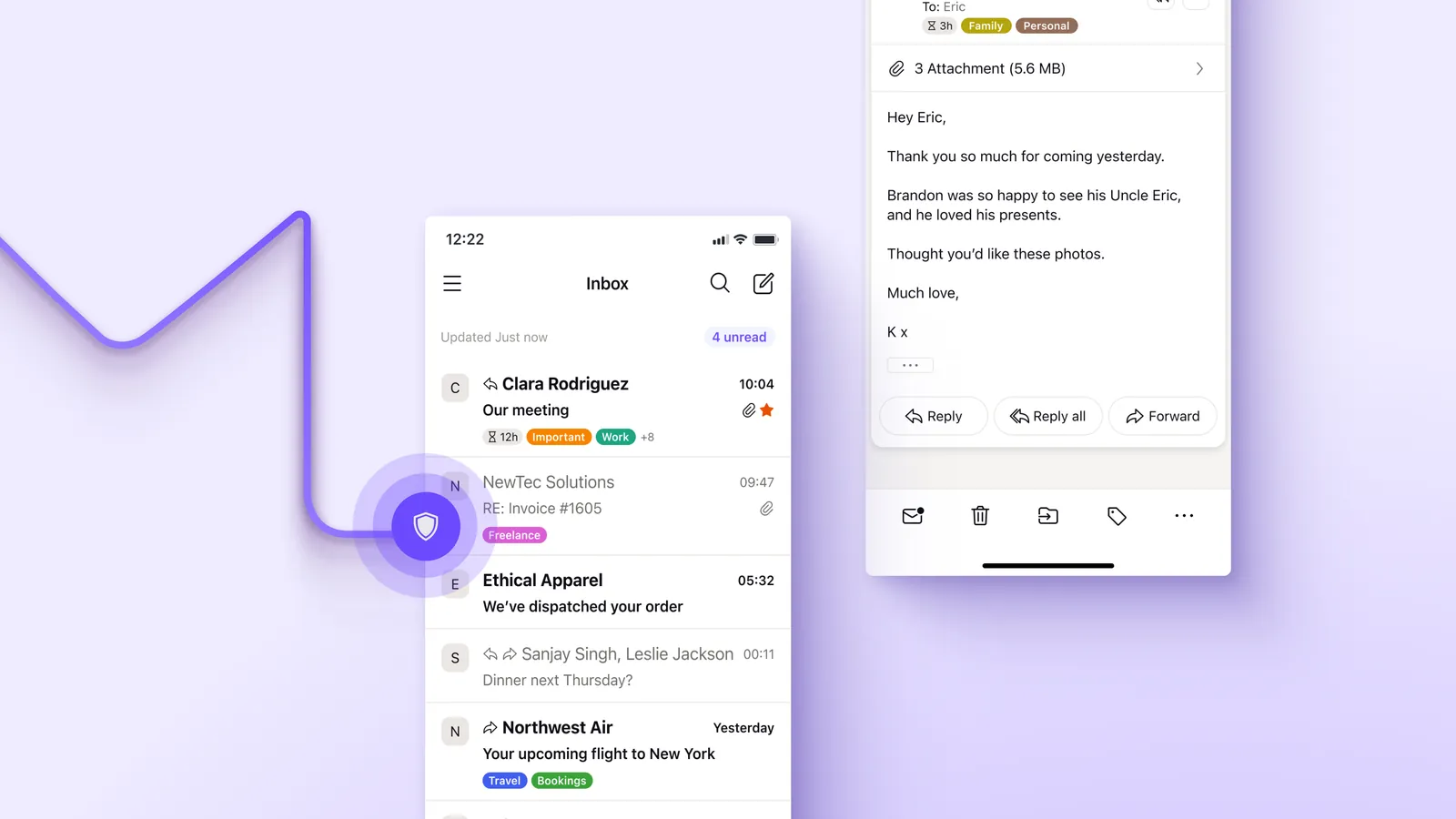
Proton’s support article on how Proton Mail messages are encrypted is unusually candid about the limits. Every message and attachment in the inbox is stored with zero-access encryption, so Proton itself cannot read it. Message bodies and attachments are end-to-end encrypted. Subject lines and the sender and recipient addresses are encrypted too, but not end to end. Proton explains that this is how it stays compliant with the OpenPGP standard and keeps working with other email systems, and that getting at subject lines would require a court order approved by a Swiss judge.
Between two Proton addresses, mail is always end-to-end encrypted. To Gmail, Outlook or any other provider, it travels over TLS, which protects it in transit but leaves a readable copy with the recipient’s provider. For true end-to-end encryption with someone outside Proton, you can send a password-protected email or exchange PGP keys. That last option is the quiet advantage of OpenPGP: a journalist or developer who already has a PGP key can receive encrypted mail from you without joining Proton.
How Tuta encrypts
Tuta’s encryption page lists what it protects end to end: emails including subject lines and attachments, entire calendars, the whole address book, inbox rules and the search index. The only data it leaves unencrypted, by its own account, is the email addresses of users and the senders and recipients of messages. Between Tuta users, encryption is automatic. For an outside recipient, you set a password once per contact, and Tuta reuses it for that conversation.
Tuta deliberately does not use PGP. Its stated reasons are that PGP does not encrypt subject lines, that PGP algorithms are hard to update, and that PGP has no option for perfect forward secrecy. Instead it built its own protocol, which combines AES 256 with RSA 2048 or x25519 and adds Kyber-1024 as a quantum-safe algorithm. Tuta calls this TutaCrypt and says it began rolling it out to accounts in March 2024. The benefit is that your mail is protected against a future attacker with a quantum computer, at least by Tuta’s design. The cost is that a Tuta user cannot exchange PGP-encrypted mail with the rest of the PGP world.
What that means in practice
If what you write in subject lines is itself sensitive, Tuta has the edge, and Proton’s own advice amounts to keeping subjects bland. If you need to send encrypted mail to people on other services who already use PGP, Proton is the one that can do it. For everyday private email, both keep message bodies out of the provider’s reach, and both depend on you choosing a strong password and turning on two-factor authentication.
Which free plan is more usable?
Tuta’s free plan starts with more storage, while Proton’s free plan does more once you are in it. Both are real free plans with no adverts, but each has a limit you will notice.
| Free plan | Proton Mail Free | Tuta Free |
|---|---|---|
| Mail storage | 500 MB, up to 1 GB after a setup checklist | 1 GB |
| Addresses | 1 | 1, no extra addresses |
| Labels and folders | 3 folders, 3 labels | Unlimited folders, 3 labels |
| Filters or inbox rules | 1 custom filter | Not included |
| Sending limit | 150 messages a day | Not stated on the pricing page |
| Hide-my-email aliases | 10 | None |
| Calendars | 3 personal calendars (pricing table) | 1 |
| Importing old mail | Easy Switch included | Not included |
| Inactivity rule | Not covered here | Deleted after six months without a login |
Proton’s free storage is the weaker point: the pricing FAQ says the account starts with 500 MB and reaches 1 GB once you complete a short “Get started” checklist. Proton’s free plan also caps sending at 150 messages a day. In exchange you get 10 hide-my-email aliases, a filter, three calendars according to the comparison table, and Easy Switch, which imports your old mail, labels, contacts and calendars at no cost. That last feature is the one that decides it for people leaving Gmail, and our step-by-step guide to moving from Gmail to Proton Mail walks through it.
Tuta’s free account has a full gigabyte from day one, unlimited folders and an encrypted calendar. It leaves out inbox rules, extra addresses, unlimited search and email import. Tuta’s support page also notes that free accounts are deleted if you do not log in for more than six months, and that the address is never handed to someone else. Treat a free Tuta account as an inbox you use regularly, not a backup address you check once a year.
Which is cheaper once you start paying?
Tuta is cheaper at both ends of the range, and gives more of the email basics for the money. Proton charges more but includes more outside email, especially at the Unlimited tier. Proton lists the same figures in dollars and euros, so the euro prices below compare directly with Tuta, which lists its prices in euros including taxes.
| Plan | Monthly billing | Yearly billing | Storage | Addresses | Custom domains |
|---|---|---|---|---|---|
| Proton Mail Plus | $4.99/mo | $47.88/yr ($3.99/mo) | 15 GB | 10 | 1 |
| Proton Unlimited | $12.99/mo | $119.88/yr ($9.99/mo) | 500 GB | 15 | 3 |
| Tuta Revolutionary | €3.60/mo | €36/yr (€3/mo) | 20 GB | 15 extra | 3 |
| Tuta Legend | €9.60/mo | €96/yr (€8/mo) | 500 GB | 30 extra | 10 |
The entry tier: Mail Plus against Revolutionary
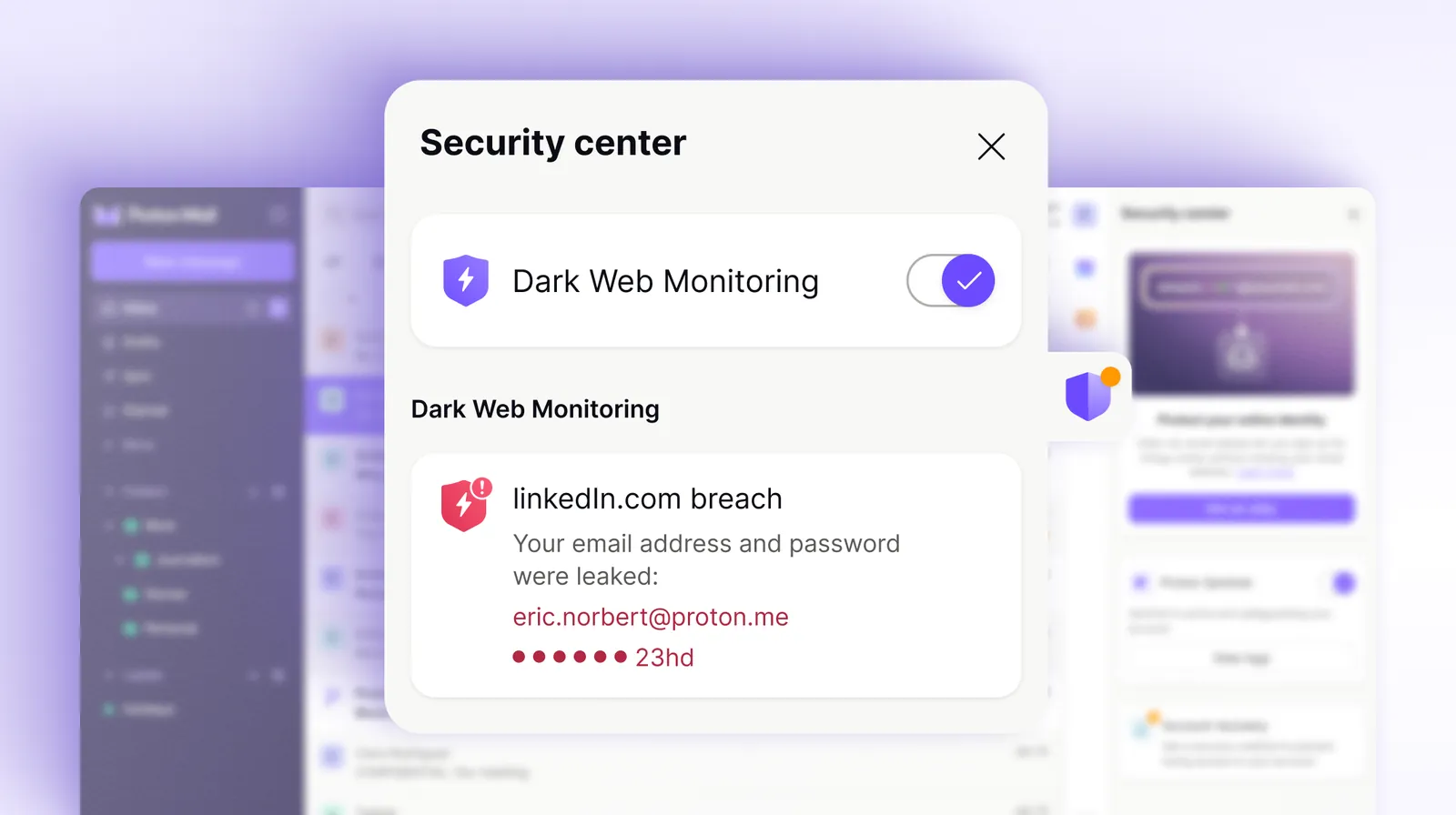
On yearly billing, Tuta Revolutionary costs €36 and Proton Mail Plus €47.88, so Tuta is €11.88 a year cheaper while giving 5 GB more storage, five more addresses and three custom domains instead of one. On pure email arithmetic, Tuta wins this tier clearly. What Mail Plus adds is the ability to connect Outlook, Thunderbird or Apple Mail through Bridge, Easy Switch imports, unlimited folders, labels and filters, Dark Web Monitoring, Emergency Access and 10 hide-my-email aliases.
There is also an introductory offer on the page our link opens. On October 11, 2026 it showed Mail Plus at $35.88 for the first 12 months, which then renews at $47.88 every 12 months, and a first month for $1.00 that renews at $4.99 a month. In the first year, that brings Proton within a few cents of Tuta’s €36; from the second year Proton costs its regular $47.88. If the entry price is what decides it, check whether the Mail Plus introductory offer is still running before you compare.
The top tier: Unlimited against Legend
At the top, Tuta Legend costs €96 a year against Proton Unlimited’s €119.88, a difference of €23.88. Legend gives more email capacity: 30 extra addresses and 10 custom domains against Unlimited’s 15 addresses and three domains, with the same 500 GB. Unlimited instead bundles Proton VPN on up to 10 devices, the full Proton Pass password manager, Proton Drive storage, unlimited hide-my-email aliases and Proton Sentinel account protection. If you would pay for a VPN or a password manager anyway, Unlimited is the better value; our analysis of whether Proton Unlimited is worth it works through that arithmetic.
Monthly billing and renewals
Both services charge more for monthly billing. Twelve months of Tuta Revolutionary at €3.60 comes to €43.20, €7.20 more than the yearly price, and twelve months of Legend at €9.60 comes to €115.20, €19.20 more. Proton’s monthly Mail Plus at $4.99 adds up to $59.88 a year, $12 more than yearly. Both companies renew automatically: Proton’s terms say a subscription renews for the same period at the price valid at renewal, and Tuta’s pricing page says that after the first period the plan becomes a non-fixed-term contract you can cancel at any time. Proton also shows a 30-day money-back guarantee on every paid plan.
Which works with the apps you already use?
Proton Mail fits into existing habits far more easily, and this is the biggest practical difference between the two services. Your encryption choice decides which doors are open.
Desktop mail clients
Proton offers Bridge, a small background app that decrypts and encrypts mail on your own computer and presents your account to Outlook, Thunderbird or Apple Mail as a normal IMAP and SMTP server. The Bridge page states that it is available only with a paid plan that includes Proton Mail, and Proton says Bridge never permanently stores decrypted message data on disk. Proton also has its own desktop app, offered as a 14-day trial on Free and included on paid plans.
Tuta does not offer IMAP at all. Its security page explains that IMAP would only work if it sent decrypted data to your device, so it built its own open source desktop clients that keep data encrypted. Since February 2026 Tuta also publishes Thunderbird add-ons, but these open the Tuta web app inside a Thunderbird tab rather than turning your mailbox into a Thunderbird account; Tuta’s own post says drag and drop from Thunderbird and notifications are not yet supported. If your work runs through Outlook rules or a shared Apple Mail setup, Proton is the only one of the two that slots in.
Moving your old mail across
Proton’s Easy Switch is included on every plan, including Free, according to the pricing comparison table, and Proton’s own offer page says it imports emails, labels, contacts and calendars; the Easy Switch guide adds that it works with any provider that uses IMAP. For Gmail it can keep syncing new mail, which allows a gradual move. On Tuta’s pricing table, email import is listed only on the Legend plan, and its Thunderbird post adds that importing is not yet possible in the web app, only in the desktop app. Someone with years of Gmail history who wants it all in one place has a much easier path with Proton.
Calendar, aliases and the wider account
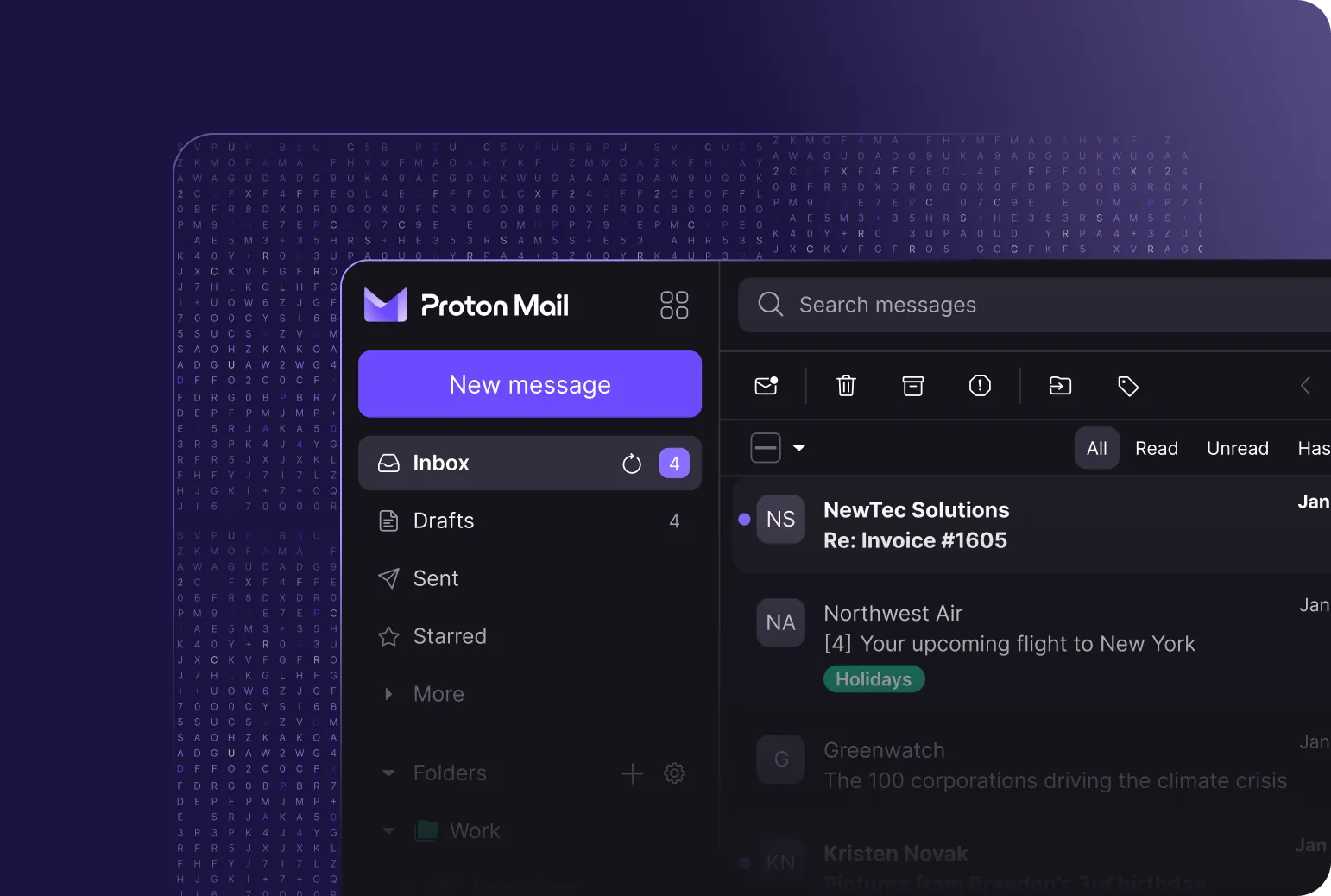
Both include an encrypted calendar. Tuta’s calendar encrypts even event attendees and handles notifications on your device, which its encryption page describes in detail. Proton’s calendar comes with every Mail plan, and paid plans add a booking page. Proton additionally has hide-my-email aliases on every plan, a feature Tuta does not offer in the same form, and an account that extends to Proton VPN, Pass and Drive without a second login.
Switzerland or Germany: what can each company hand over?
Both companies can be compelled by their national courts, both say they cannot decrypt stored content, and both publish transparency reports, but the numbers are counted differently, so they cannot be compared one to one. What you can compare is what each says it is able to give.
Proton’s transparency report says that under Article 271 of the Swiss Criminal Code it rejects requests from foreign authorities directly, and only acts on Swiss orders, which foreign authorities can reach through international legal assistance. For Proton Mail in 2025 it lists 9,301 legal orders, of which it contested 988 and complied with 8,313. Because message content is zero-access encrypted, what those orders reach is the account information Proton can see.
Tuta’s report, updated every six months, breaks requests down by data type. Between January and June 2026 it received 215 requests for inventory data and released inventory data in 28 cases, and it received 14 requests for stored content data and released stored encrypted content in 11 cases under German court orders. Tuta explains that stored end-to-end encrypted content can only be handed over in encrypted form, and that under a real-time monitoring order, unencrypted mail arriving from outside after the order can be delivered in plain text. Tuta’s servers are in ISO 27001 certified data centres in Germany, according to its security page.
The honest conclusion is the same for both: encrypted email protects what you write, not the fact that you have an account. If anonymity matters, avoid linking a recovery phone number or address that identifies you, on either service.
Which one fits your situation?
The right choice depends less on encryption theory than on what you will actually do with the account. Here are five common situations and the pick for each.
Leaving Gmail after years of use. Proton Mail. Easy Switch is free on every plan and can keep syncing Gmail during the move, so you can change over gradually. Tuta’s import requires Legend and the desktop app.
A freelancer with a domain on a tight budget. Tuta Revolutionary. At €36 a year it gives three custom domains, 15 extra addresses and 20 GB, which is more than Proton’s Mail Plus offers for €47.88. As long as you are happy in the web or Tuta apps, it is the cheaper way to get a branded private address.
Someone who works in Outlook or Apple Mail all day. Proton Mail Plus, because Bridge lets those apps connect over IMAP. Tuta has no IMAP and no Outlook route.
A privacy-first user with sensitive subject lines. Tuta, because its subject lines are end-to-end encrypted and its protocol already includes a quantum-safe algorithm.
A household that also wants a VPN and a password manager. Proton Unlimited, or Duo and Family for more people. Tuta does not sell a VPN or password manager, so the comparison here is one Proton bill against two or three separate subscriptions. For the bigger picture of replacing every Google service, see our guide to how to de-Google your life.
Where does each one fall short?
Proton Mail
The free inbox is small at 500 MB until you complete the checklist, and it caps sending at 150 messages a day. Subject lines are not end-to-end encrypted. Desktop clients need Bridge, which needs a paid plan. The entry paid plan gives one custom domain where Tuta gives three. And Proton’s plans increasingly steer you toward bundles, which is good value only if you use the extra apps.
- Pros: imports on every plan, Bridge for desktop clients, OpenPGP interoperability, hide-my-email aliases, a wider family of apps, a 30-day money-back guarantee, and a 4.5 star Google Play rating from about 95,000 reviews.
- Cons: smaller free storage, subject lines not end to end, fewer domains and addresses per dollar, Bridge paid only.
Tuta
Tuta’s closed design is both its strength and its main limit. No IMAP means no Outlook and no standard mail clients, and the Thunderbird add-on is a web view rather than a full integration. Email import sits on the top personal plan and only in the desktop app. The free plan lacks inbox rules and full search, and free accounts that go unused for six months are deleted. And it cannot exchange PGP mail with people outside Tuta.
- Pros: subject lines encrypted end to end, quantum-safe protocol, more storage, addresses and domains for the price, 1 GB on Free from the start, and a 4.4 star Google Play rating from about 18,600 reviews.
- Cons: no IMAP or PGP, import on Legend only, no VPN or password manager, free accounts deleted after six months of inactivity.
Common buying mistakes
The most common mistake is choosing on the encryption headline alone and discovering later that the mail client you rely on cannot connect. The second is buying Proton Unlimited for email only, when Mail Plus or Tuta would do. The third is assuming a free plan is permanent storage: Tuta deletes inactive free accounts, and Proton’s 500 MB fills quickly once newsletters with images arrive.
Frequently asked questions
Is Proton Mail or Tuta more secure?
Both keep message content out of the provider’s reach. Tuta encrypts more end to end, including subject lines, and adds a quantum-safe algorithm. Proton encrypts subject lines without end-to-end protection so it can follow the OpenPGP standard, which lets it exchange encrypted mail with PGP users on other services. For most people the difference that matters is not the cipher but strong passwords and two-factor authentication.
Which is cheaper, Proton Mail or Tuta?
Tuta. Its Revolutionary plan costs €36 a year against €47.88 for Proton Mail Plus, and its Legend plan costs €96 against €119.88 for Proton Unlimited. Proton’s introductory offer seen on October 11, 2026 brought Mail Plus to $35.88 for the first year, renewing at $47.88, so the gap only opens from year two.
Can I use Tuta with Outlook or Thunderbird?
Not as a normal mail account. Tuta does not offer IMAP, because it says that would require sending decrypted data to your device. It has its own desktop apps and a Thunderbird add-on that opens the Tuta web app in a tab. Proton Mail connects to Outlook, Thunderbird and Apple Mail through Bridge on paid plans.
Which free plan is better?
Tuta starts with 1 GB and unlimited folders, while Proton starts at 500 MB and reaches 1 GB after a checklist. Proton’s free plan adds 10 aliases, a filter, three calendars and free imports with Easy Switch. Tuta deletes free accounts after six months without a login, so use it actively.
Can I bring my Gmail into Tuta or Proton Mail?
Proton’s Easy Switch imports Gmail mail, labels, contacts and calendars on every plan, including Free, and can keep syncing new Gmail messages. Tuta lists email import only on its Legend plan, and its own blog says importing currently works in the Tuta desktop app, not the web app.
Do Proton Mail and Tuta use custom domains?
Yes, on paid plans. Proton Mail Plus supports one custom domain and Proton Unlimited three. Tuta Revolutionary supports three and Legend ten, which makes Tuta the cheaper option if you run several domains.
Where are Proton and Tuta based?
Proton AG is based in Switzerland and acts only on Swiss legal orders. Tuta is developed by Tutao GmbH in Germany and stores its data in ISO 27001 certified data centres in Germany. Both publish transparency reports listing the requests they receive.
Proton Mail vs Tuta: which should you choose?
Choose Proton Mail if you want encrypted email that fits the life you already have: free imports from Gmail, a route into Outlook, Thunderbird and Apple Mail, OpenPGP for talking to other encrypted mail users, and an account that can grow into a VPN, password manager and cloud storage. That covers most people leaving big-tech email, which is why Proton Mail wins this Proton Mail vs Tuta comparison overall.
Choose Tuta if price per feature and maximum encryption matter more than compatibility: it is cheaper at every tier, gives more domains and addresses, and encrypts subject lines end to end. Do not choose Tuta if you depend on a desktop mail client, and do not choose Proton Unlimited if you only want email. If Proton fits, start with a free Proton Mail account or the Mail Plus offer, import your old mail and upgrade once you know which features you use. Our full Proton Mail review covers the rest of the service in depth.
8.4 Score
Pros
- Easy Switch imports Gmail and other mailboxes on every plan, including Free.
- Bridge connects Outlook, Thunderbird and Apple Mail on paid plans; Tuta has no IMAP.
- OpenPGP support lets you exchange encrypted mail with PGP users on other services.
- One account extends to Proton VPN, Pass and Drive through Unlimited.
Cons
- Tuta is cheaper at every tier: €36 against €47.88 a year at entry level.
- Subject lines are encrypted but not end-to-end encrypted, unlike Tuta.
- Mail Plus includes one custom domain where Tuta Revolutionary includes three.
- Free storage starts at 500 MB, against Tuta's 1 GB.
Final Verdict
Proton Mail wins for most people: it imports your old mail on every plan, connects to Outlook, Thunderbird and Apple Mail through Bridge, speaks OpenPGP and grows into a VPN and password manager. Tuta is cheaper at every tier, gives more domains and addresses, and encrypts subject lines end to end, so it suits budget buyers who live in its own apps and never need IMAP.