



The 2026 Proton Black Friday sale runs from 26 October to 30 November 2026, through partner links only. Prices below were read from Proton’s offer pages on 24 November 2026.
Short answer: The Proton Pass Black Friday deal is 60% off Pass Plus for the first 12 months, billed at $23.88, after which the plan renews each year at $35.88. Take it if you want a password manager with unlimited email aliases built in; Bitwarden Premium is still the cheapest paid manager at its regular $19.80 a year, and 1Password costs more at regular prices.
- Take Pass Plus if hide-my-email aliases, a built-in 2FA authenticator and Dark Web Monitoring are what you want from a paid manager.
- Take Unlimited instead if you also want Proton Mail Plus, VPN Plus or Drive in the coming year.
- Look at Bitwarden if the lowest regular price, self-hosting or an open-source server matter most.
- Stay on Proton Pass Free if unlimited logins on unlimited devices and 10 aliases are enough.
Black Friday, 26 October to 30 November 2026: Pass Plus 60% off 12 months, billed at $23.88, then renews each year at $35.88. Regular prices checked October 15, 2026: Pass Plus $35.88 a year or $4.99 a month; 1Password Individual $3.99 a month billed yearly; Bitwarden Premium $19.80 a year.
Table of contents
What is the Proton Pass Black Friday deal?
From 26 October to 30 November 2026, Proton is selling Pass Plus at 60% off for the first 12 months, and the plan then renews each year at $35.88. It is one of five offers in Proton’s 2026 sale; our overview of every Proton Black Friday deal ranks them all.
| Black Friday Pass Plus | Detail |
|---|---|
| Discount | 60% off |
| First term | 12 months |
| Billed for the first 12 months | $23.88 |
| Effective monthly cost | $1.99 |
| Renews each year at | $35.88 |
| Available | 26 October to 30 November 2026, through partner links |
The full year is billed at checkout; the effective monthly cost is $1.99. Like every offer in the sale, it is available only through partner links, so proton.me/pass/pricing keeps showing the regular price, which was $35.88 a year, or $2.99 a month on yearly billing, on October 15, 2026. Monthly billing was $4.99.
Pass Family, Proton’s six-person password plan, is not in Proton’s partner list, so families should read the section on shared vaults before deciding.
What does Pass Plus add over Proton Pass Free?
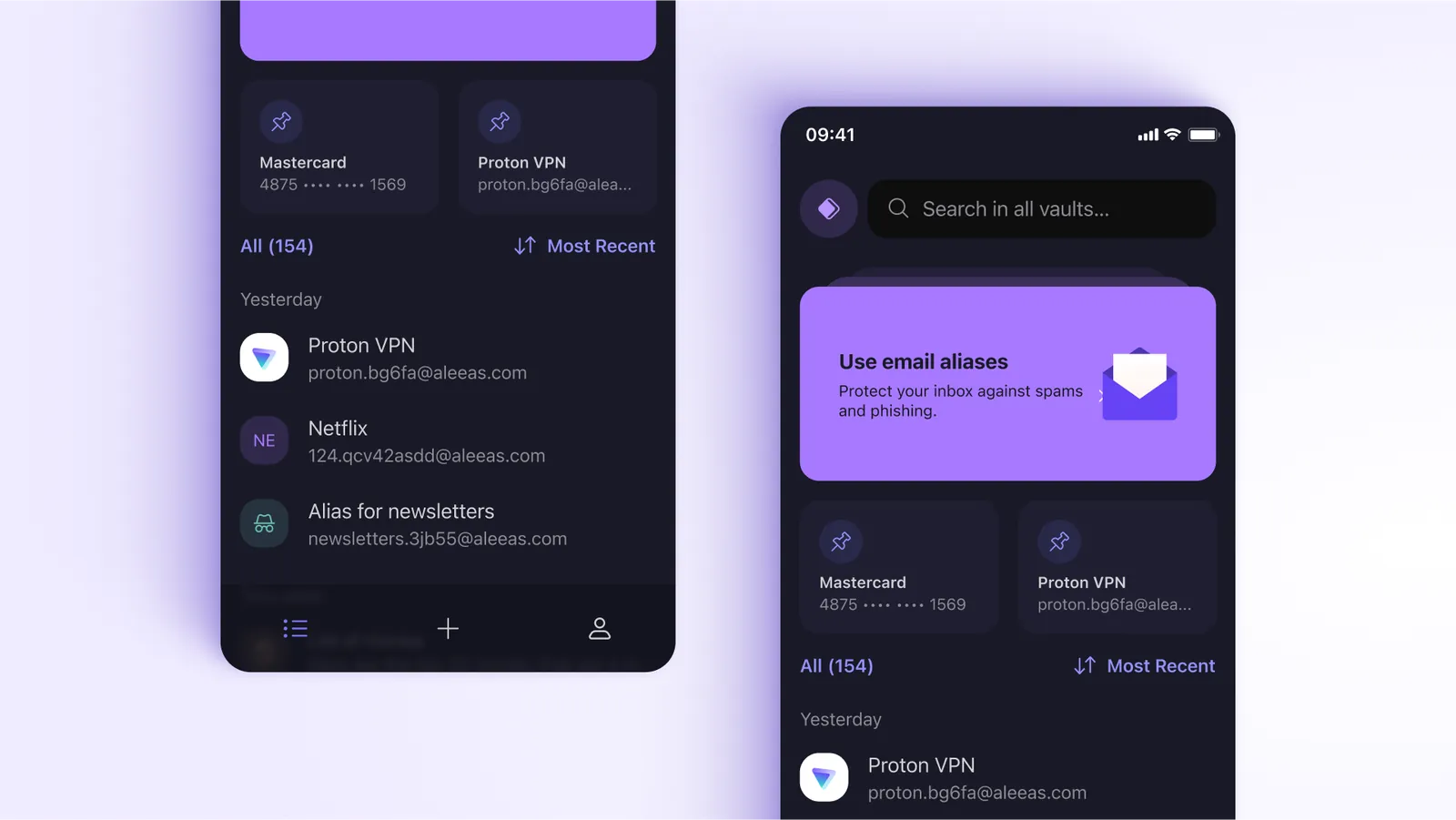
Proton Pass Free is a complete password manager on its own: unlimited logins, notes and credit cards, unlimited devices, apps for browsers, phones and desktops, a password generator, passkeys on every device, weak and reused password alerts, easy import and 10 hide-my-email aliases. Plus is about extras, not about removing artificial limits.
| Feature | Proton Pass Free | Pass Plus |
|---|---|---|
| Logins, notes, cards, devices | Unlimited | Unlimited |
| Hide-my-email aliases | 10 | Unlimited |
| Vaults | 2 | 50 |
| Share a vault with | 2 others | 10 others |
| Built-in 2FA authenticator | Not included | Included |
| File attachments and storage | 1 GB storage | File attachments, 10 GB |
| Dark Web Monitoring | Not included | Included |
| Emergency Access | Not included | Included |
| Proton Sentinel advanced protection | Not included | Included |
| Custom domain and extra mailboxes for aliases | Not included | Included |
| Item history and command line interface | Not included | Included |
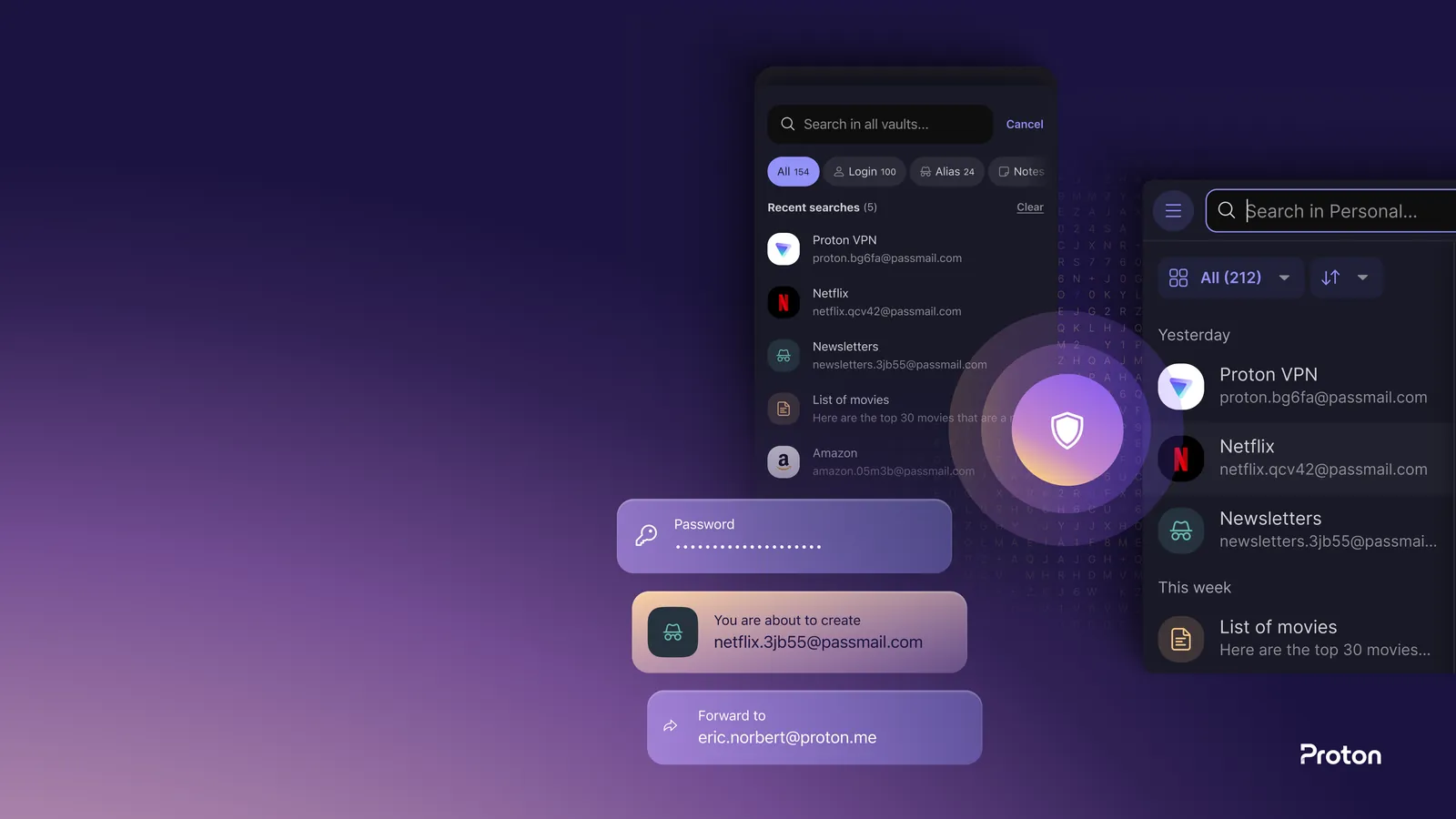
The upgrade most people feel first is unlimited aliases. Proton’s hide-my-email alias guide explains the idea: every site gets its own random address that forwards to your real inbox, so a breach at one shop exposes an alias you can switch off, not the address you use for everything. Free gives you 10, which runs out quickly once you start using them for every sign-up; Plus removes the cap and lets you send from an alias and use your own domain for them.
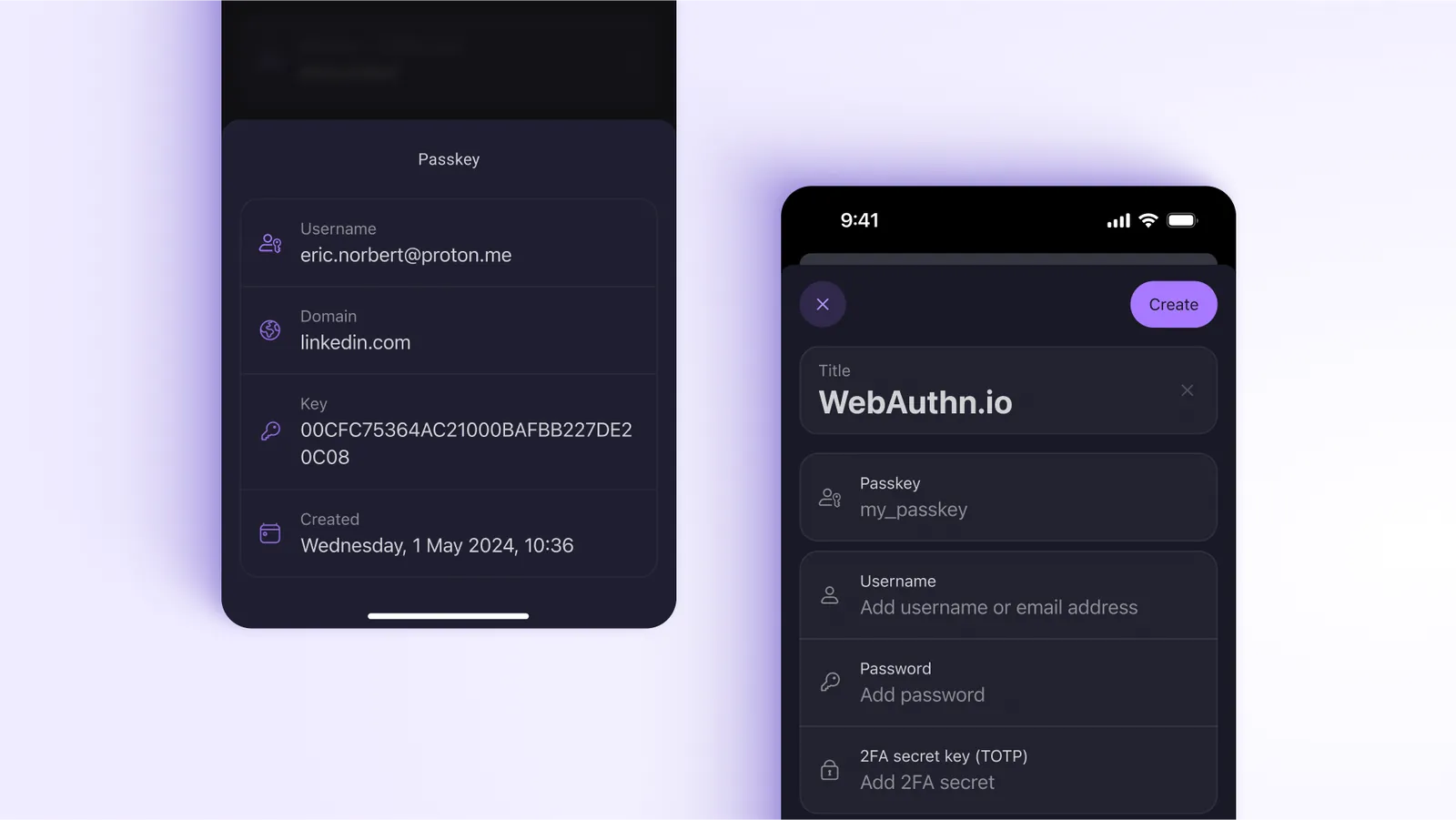
The built-in authenticator matters if you want two-factor codes stored next to the logins they protect. That is convenient, but it is also a trade-off: some people prefer codes on a separate app so one compromised vault does not give away both factors. Emergency Access lets a trusted person request your vault if something happens to you, a feature families often look for.
How does it compare with 1Password and Bitwarden?
These are the regular prices on each company’s own pricing page on October 15, 2026, in US dollars. We have not included any Black Friday offers from 1Password or Bitwarden; if they announce one, compare it the same way, billed amount first and renewal second.
| Plan | Regular price | Per year | Notes |
|---|---|---|---|
| Proton Pass Plus (Black Friday) | 60% off 12 months | $23.88 | Renews each year at $35.88 |
| Proton Pass Plus (regular) | $2.99 a month billed yearly; $4.99 monthly | $35.88 | Unlimited aliases, 10 GB, 2FA |
| 1Password Individual | $3.99 a month billed yearly | $47.88 | 1 GB storage; first-year price for new customers was $2.99 a month |
| Bitwarden Premium | $1.65 a month billed annually | $19.80 | 5 GB attachments, authenticator, Emergency Access |
At regular prices Bitwarden is the cheapest paid plan by a wide margin, Proton Pass Plus sits in the middle and 1Password is the most expensive. 1Password’s page also showed an introductory price of $2.99 a month for a new customer’s first year on annual billing, which is the same $35.88 a year as Pass Plus’s regular price; after that year it returns to $3.99 a month.
So where does the Black Friday price land? The table fills in from Proton’s offer page when the sale opens. The comparison that matters is with Bitwarden’s $19.80: if the first-year Pass Plus price is close to it, the extra features tip the balance for most people; if it is well above, Bitwarden remains the budget pick. Either way, look at the renewal, because after year one you will pay $35.88, not the offer price. If Pass Plus is your choice, check the Pass Plus Black Friday price on Proton’s offer page.
Where do the three really differ?
All three are zero-knowledge password managers with apps for browsers, phones and desktops, and all three handle passkeys. The differences that actually decide a purchase are elsewhere.
Email aliases
Proton Pass creates hide-my-email aliases inside the manager itself, unlimited on Plus. Bitwarden’s generator connects to outside email forwarding services to create aliases, according to its pricing page, so you need an account with one of those services. 1Password creates what it calls Masked Emails through an integration with Fastmail, and its support page says you need a Fastmail account first. If aliases are the reason you are shopping, Pass is the most integrated option.
Price and openness
Bitwarden lists open source security on every account and offers self-hosting, so you can run its server on your own hardware. It is also the cheapest at regular prices. For technical users who want control, that combination is hard to beat.
Storage
Pass Plus includes 10 GB for file attachments, Bitwarden Premium 5 GB personal storage that can be expanded for a fee, and 1Password 1 GB per user. If you keep scans of passports, insurance cards or tax documents in your vault, the difference is real.
Sharing
Sharing is where the three are built differently. Pass Plus shares whole vaults with up to 10 people and can also share single items or send a secure link, while Pass Free shares vaults with two others. Bitwarden’s free plan lets you share items with one other user, its Families plan removes that limit, and Bitwarden Send transmits text and files to anyone, even people without an account. 1Password lets an Individual subscriber share items securely with anyone, and its Families plan adds unlimited shared vaults with simple admin controls. If you share a handful of logins with a partner, all three work; if you run a household’s logins, compare the family plans below.
Account protection
A password manager is only as safe as the account that guards it. Pass Plus includes Proton Sentinel, Proton’s advanced account protection programme, on top of two-factor sign-in. Bitwarden lists advanced two-step login on every account, with support for up to 10 hardware security keys, Yubico OTP, Duo, email codes and authenticator apps. 1Password combines your account password with a Secret Key that is created on your device. All three take the problem seriously; the right choice is the one whose second factor you will actually set up on day one.
The wider ecosystem
Proton Pass sits inside a Proton account, so the same login also gives you free Proton Mail, Drive and VPN, and the path to Unlimited if you want more. Bitwarden and 1Password are password specialists. Whether that matters depends on whether you plan to use any of Proton’s other apps.
Our full comparison of Proton Pass vs Bitwarden goes through security models, apps and sharing in detail, and the guide to LastPass alternatives covers the wider field.
What about families and shared vaults?
Pass Plus is a single-user plan, but it can share up to 50 vaults with up to 10 people each, which covers a household’s shared streaming logins or a couple’s joint bank details. If everyone in the family needs their own premium account, the family plans are the comparison, and none of them is in Proton’s Black Friday list.
| Family plan (regular) | People | Per year |
|---|---|---|
| Proton Pass Family | 6 | $59.88 |
| Bitwarden Families | 6 | $47.88 |
| 1Password Families | 5 | $71.88 at $5.99 a month billed yearly |
For a family of three or more, a family plan usually beats several discounted single plans, because each discounted plan renews on its own after the first year. Our guide to the best password manager for families compares shared vaults, admin controls and Emergency Access across the main options.
What does Pass Plus renew at after the first year?
After 12 months, the plan renews each year at $35.88, the renewal price stated on the offer page. On October 15, 2026 the regular yearly price was $35.88, so that is the figure to compare against if the offer page renewal matches it.
A password manager is the one app you are least likely to leave once your vault is full, which is exactly why the renewal matters more than the first-year price. Put a reminder in your calendar for late 2027. If you decide to move on, Proton Pass can export your vault, and cancelling does not cut your year short: according to Proton’s billing rules, a cancelled plan runs to the end of the period you paid for and then returns to the free tier.
One limit is worth knowing before you plan a bigger Proton setup. Proton’s support pages say an account cannot hold two Plus subscriptions at once, so Pass Plus and Mail Plus, for example, cannot sit on the same account. If you think you will want more than one paid Proton app, Unlimited is the plan that combines them.
How do you switch to Proton Pass?
Proton Pass has built-in importers for the managers people most often leave. Proton’s guide to importing from Bitwarden shows the two steps: export a .json file from Bitwarden’s settings, then choose Bitwarden in the Pass extension’s import tab and drop the file in. The 1Password importer accepts its 1PUX export format, and there are importers for LastPass, Chrome and other managers.
Before you start, decide what to do with the old subscription. If it renews soon, cancel its auto-renewal first, so you are not charged for a year you will not use, and keep it active until the import is checked. If it has months left, there is no rush: run both side by side and switch off autofill in the old one so they do not compete. A sensible switch takes an evening:
- Create or sign in to your Proton account and install the Pass browser extension and phone app.
- Export from your old manager and import into Pass, then delete the export file, because it is unencrypted.
- Check a handful of important logins, such as email, bank and work accounts, and move their two-factor codes if you want Pass to hold them.
- Keep the old account for a few weeks, then close it once nothing is missing.
- Start replacing your real address with aliases as you log in to each site.
If you are coming from Google’s built-in password manager, our earlier guides to de-Googling your life cover the rest of the move.
Should you take Pass Plus or Unlimited?
Unlimited is also in the sale, at 50% off for 12 months, and then renews each year at $119.88. It includes everything in Pass Plus plus Mail Plus, VPN Plus and 500 GB of Drive storage, all on one account.
The choice is simple. If a password manager is the only paid Proton app you want, Pass Plus is the cheaper buy and does everything in this guide. If you are also replacing Gmail or want a VPN, Unlimited is the better plan, both because it covers the other apps and because Proton does not let you stack separate Plus plans on one account. At regular prices on October 15, 2026, Unlimited cost $119.88 a year against $35.88 for Pass Plus.
Who should take the deal?
Take it: you are leaving LastPass or a browser manager
A discounted year is a low-risk way to move your vault and see whether Pass fits your habits, and the importers make the move quick.
Take it: you want aliases everywhere
If you already hit the free plan’s 10 aliases, Plus is the upgrade that removes the cap, and the Black Friday year is the cheapest time to make it.
Think twice: you want the lowest price
Bitwarden Premium at $19.80 a year is hard to beat on regular price, and its free plan is generous too. Compare its price with the Pass Plus offer and renewal before you choose.
Take it: you are building toward a full Proton setup
If Pass is your first step away from Google, a discounted year of Plus is a cheap way in. When you are ready for Mail and the VPN too, switching to Unlimited credits the unused days of Pass Plus against the new plan, so nothing is wasted.
Skip it: Free already works
If you have fewer than 10 aliases and do not need the authenticator, attachments or Emergency Access, Proton Pass Free does the job and costs nothing.
Frequently asked questions
How long does the Proton Pass Black Friday deal last?
It runs from 26 October to 30 November 2026 through partner links, so it covers both Black Friday on 27 November and Cyber Monday on 30 November. The 60% discount applies to the first 12 months of Pass Plus, which then renews each year at $35.88.
Is Pass Plus cheaper than Bitwarden?
At regular prices, no: Bitwarden Premium was $19.80 a year on October 15, 2026 against $35.88 for Pass Plus. The Black Friday price narrows or closes that gap for the first year, depending on the figure on the offer page. Compare the renewal prices too.
Is Pass Plus cheaper than 1Password?
At regular prices, yes: 1Password Individual was $3.99 a month billed yearly, or $47.88 a year, against $35.88 for Pass Plus. 1Password also showed a first-year price of $2.99 a month for new customers on October 15, 2026.
Is Pass Family part of the sale?
No. Proton’s partner list for 2026 covers VPN Plus, Mail Plus, Drive Plus, Pass Plus and Unlimited. Pass Family stays at its regular price, which was $59.88 a year for six people on October 15, 2026.
Can I import my passwords from 1Password or Bitwarden?
Yes. Proton Pass has built-in importers for 1Password’s 1PUX format, Bitwarden’s .json export, LastPass and browsers. Export from the old manager, import in the Pass extension’s settings, then delete the unencrypted export file.
Can I add Mail Plus to my Pass Plus account later?
Not as a second Plus plan. Proton’s support pages say one account cannot hold multiple Plus subscriptions. To get both on one account you switch to Unlimited, and Proton credits the unused days of Pass Plus against the new plan.
Is the Proton Pass Black Friday deal worth it?
Yes, if you want a password manager with unlimited email aliases built in. Pass Plus at 60% off for the first year, renewing each year at $35.88, adds unlimited aliases, an authenticator, 10 GB of attachments, Dark Web Monitoring and Emergency Access to an already strong free plan. It costs less than 1Password at regular prices and offers more alias features than Bitwarden, which stays the cheapest option at $19.80 a year.
Skip it if the free plan covers you, pick Unlimited if you want Mail or VPN too, and choose Bitwarden if the lowest regular price or self-hosting matters most. If Pass Plus is your pick, get Proton Pass Plus at the Black Friday price before 30 November.
8.5 Score
Pros
- Unlimited hide-my-email aliases are built into the password manager itself.
- Adds a 2FA authenticator, 10 GB of attachments, Dark Web Monitoring and Emergency Access.
- The renewal price is stated on the offer page next to the first-year price.
- Built-in importers for 1Password, Bitwarden, LastPass and browsers make switching quick.
Cons
- Bitwarden Premium is cheaper at its regular yearly price.
- Pass Family is not part of the sale.
- An account cannot hold Pass Plus and another Plus plan together; combining them means Unlimited.
Final Verdict
Proton Pass Plus at Black Friday is a good buy for anyone who wants a password manager with unlimited email aliases built in. It adds an authenticator, attachments, Dark Web Monitoring and Emergency Access to an already generous free plan, costs less than 1Password at regular prices and offers more alias features than Bitwarden, which remains the cheapest at its regular price. Plan for the renewal after the first year.