


Proton Black Friday, until 30 November: 60% off Proton Drive Plus on the 12-month plan.
After the first term it renews at the regular price, shown on the offer page before you pay. See every Proton Black Friday deal.
Short answer: Of the Google Photos alternatives that keep your pictures private, Proton Drive is the best pick for most people: it backs up your phone’s camera roll automatically, encrypts photos end to end so Proton cannot see them, supports shared albums that friends can add to without an account, and starts free with 5 GB. Ente Photos is the stronger dedicated photo app if you want on-device face grouping, iCloud Photos with Advanced Data Protection suits households that only use Apple devices, and Immich is the answer for people who would rather run their own server.
- Pick Proton Drive if you want private photo backup plus file storage, sharing and Proton’s other apps under one account.
- Pick Ente Photos if you want a photo app first and foremost, with face grouping done on your device.
- Pick iCloud Photos with Advanced Data Protection if every device in the house is an iPhone, iPad or Mac.
- Stay on Google Photos if search and editing matter more to you than who can technically read your library.
Proton Drive: Free 5 GB. Drive Plus 200 GB: $4.99/mo monthly, or $47.88/yr ($3.99/mo) on the yearly plan, which renews at $47.88/yr. No promotional price was shown on the Drive pricing page, so the yearly price is the renewal price. Prices checked October 11, 2026.
Table of contents
Why do people leave Google Photos?
Most people leave Google Photos for one of two reasons: the free space runs out, or they become uncomfortable with how much a single company knows about their life. Both are reasonable, and it is worth being precise about each before you move years of pictures somewhere else.
Space first. Every Google account comes with up to 15 GB of storage, and Google’s own plans page says that allowance is shared across Google Photos, Drive and Gmail. A phone that shoots a few thousand photos and some video a year fills that quickly, and the next step is a Google One plan. Viewed from Europe on October 11, 2026, Google’s plans page listed 100 GB at €1.99 a month (€19.99 a year), 2 TB at €9.99 a month (€99.99 a year) under the Google AI Plus name, and 5 TB at €21.99 a month. Google sets prices per country, so check the page in your own country before comparing.
Privacy second, and here fairness matters. Google says plainly that Google Photos does not sell your photos, videos or personal information and does not use them for advertising. Its privacy hub for the Gemini features in Photos, last updated in February 2026, says Google does not train generative AI models outside of Google Photos with your personal data in Photos. The same page adds a caveat for people who connect Photos to other Google services: in that case Google says it may train on things like summaries, inferences and generated media based on your library, even though it does not train on the imagery itself. Google’s safety page describes encryption in transit and at rest, and it describes face grouping that automatically sorts similar faces. What none of these pages describes is end-to-end encryption for your library, which is the property that stops the provider itself from reading your photos.
That is the line this guide draws. The Google Photos alternatives below are ranked on whether the service can read your pictures, on what a realistic library costs a year, and on how much work the move takes. If you are replacing more than photos, our hub on how to de-Google your life covers Gmail, Drive and passwords as well.
How do the private options compare on price and features?
Here is the short version. Every price comes from the vendor’s own page on October 11, 2026. Proton and Ente list identical dollar and euro figures, Apple’s page lists US dollars, and Google’s figures are the euro prices its page showed from Europe.
| Service | Free storage | Entry paid plan | Larger plan | Who can read your photos | Best for |
|---|---|---|---|---|---|
| Proton Drive | 5 GB | 200 GB, $47.88/yr | 2 TB for two people (Duo), $179.88/yr | Only you and people you share with, per Proton | Photos plus files and other Proton apps |
| Ente Photos | 10 GB | 50 GB, $29.88/yr | 2,000 GB, $239.88/yr | Only you, end-to-end encrypted | A dedicated, open-source photo app |
| iCloud Photos + ADP | Not on the pricing page | 50 GB, $0.99/mo | 2 TB, $9.99/mo | Only your devices, once ADP is on | Apple-only households |
| Immich | Software is free (AGPL v3) | Your own hardware | Your own hardware | Whoever controls your server | Technical users who self-host |
| Google Photos | 15 GB, shared with Gmail and Drive | 100 GB, €19.99/yr | 2 TB, €99.99/yr | Google can process your library | Search, editing and AI features |
Price per year at a comparable size is the more useful view. A typical phone library of a few years sits somewhere between 100 and 200 GB, and a family library or a library with lots of video quickly passes 1 TB.
| Plan (yearly cost) | Storage | Cost per year | Cost per GB per year |
|---|---|---|---|
| iCloud+ 200 GB (12 monthly payments) | 200 GB | $35.88 | $0.18 |
| Proton Drive Plus | 200 GB | $47.88 | $0.24 |
| Ente Photos, Popular plan | 200 GB | $59.88 | $0.30 |
| iCloud+ 2 TB (12 monthly payments) | 2 TB | $119.88 | $0.06 |
| Proton Duo (two users) | 2 TB | $179.88 | $0.09 |
| Ente Photos, Pro+ plan | 2,000 GB | $239.88 | $0.12 |
The honest reading is that privacy is not the cheapest option per gigabyte. Apple is cheaper than both Proton and Ente at 200 GB and at 2 TB, and Google’s 2 TB plan is cheaper again in euro terms. What you pay Proton or Ente for is a service built so that the provider cannot see your pictures by default, on every platform, without the exceptions described below for Apple. Among the Google Photos alternatives built that way, Proton Drive is the cheaper of the two at 200 GB, and Proton’s two-person Duo plan costs less than Ente’s largest plan while covering two people and Proton’s other apps. These per-gigabyte figures are our arithmetic from the vendors’ prices.
1. Proton Drive: the best all-round private photo backup
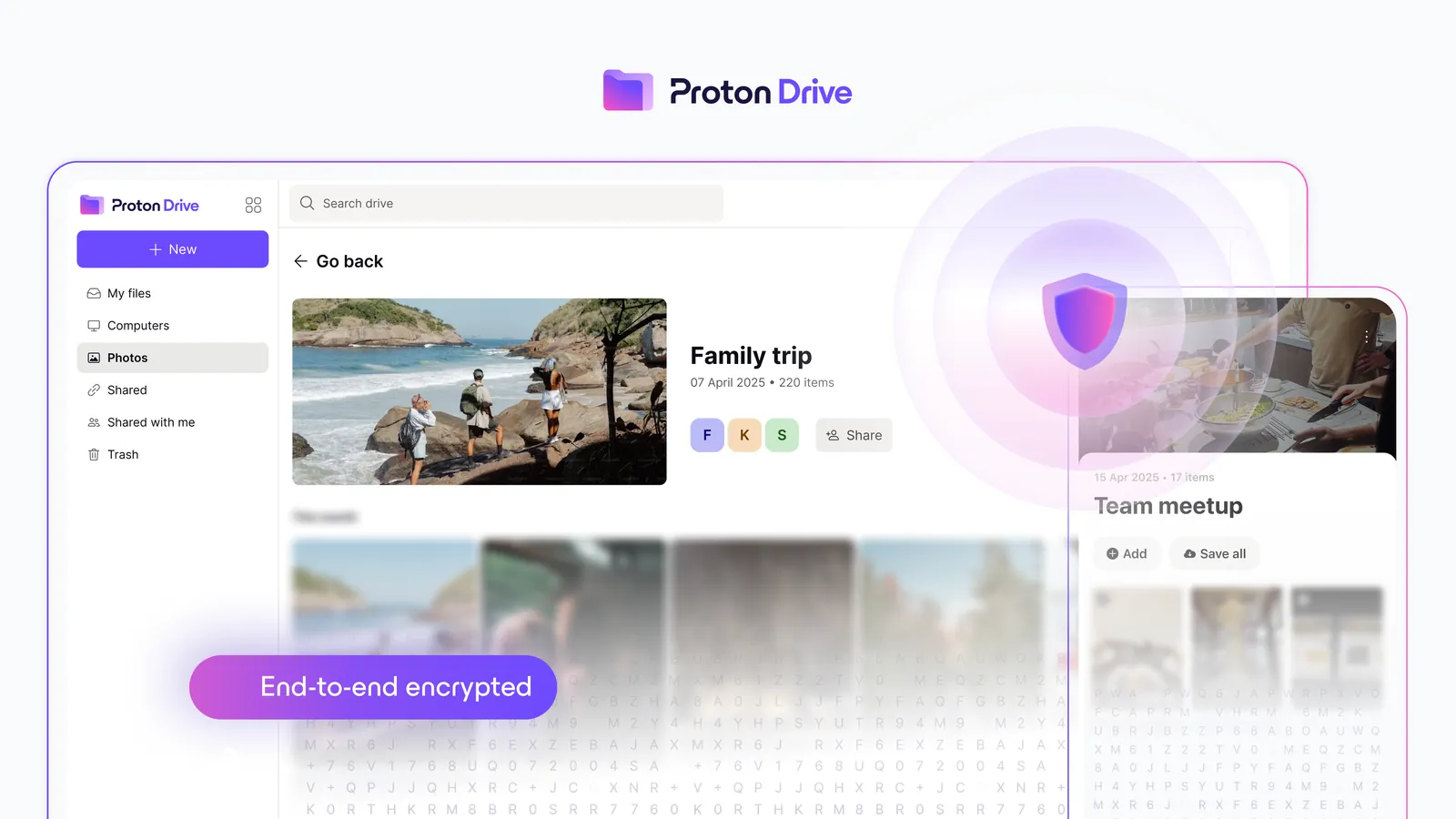
Proton Drive is end-to-end encrypted cloud storage from Proton, the Swiss company behind Proton Mail, and photo backup is one of its core features rather than an add-on. Proton’s page that positions Drive against Google Photos says your camera roll and other folders are “continuously synced” to your encrypted cloud, and it goes further than file contents: Proton says Drive protects metadata such as file names, thumbnails and timestamps, which can reveal where you were and when.
How backup works on your phone
Proton’s photo backup support article describes a short setup. On Android you open the Photos tab, tap Turn on backup, grant photo access, and Proton Drive starts backing up and encrypting your library. By default only the Camera folder is backed up; you add other folders, such as WhatsApp images or screenshots, under Settings, Photo backup, Upload from. On iPhone you open the Photos tab, tap Turn on when the “Backup is disabled” notice appears, and allow full access to your photos.
Two practical warnings from the same article are worth knowing before you start. A large first backup can take a long time: on iPhone Proton says it could take several days for a big library, recommends keeping the app open for speed, and notes that force closing the app stops the backup. On Android it recommends staying on Wi-Fi to avoid interruptions. Backup runs until it finishes or until you hit your storage limit, so check that your plan is big enough first.
Albums and sharing
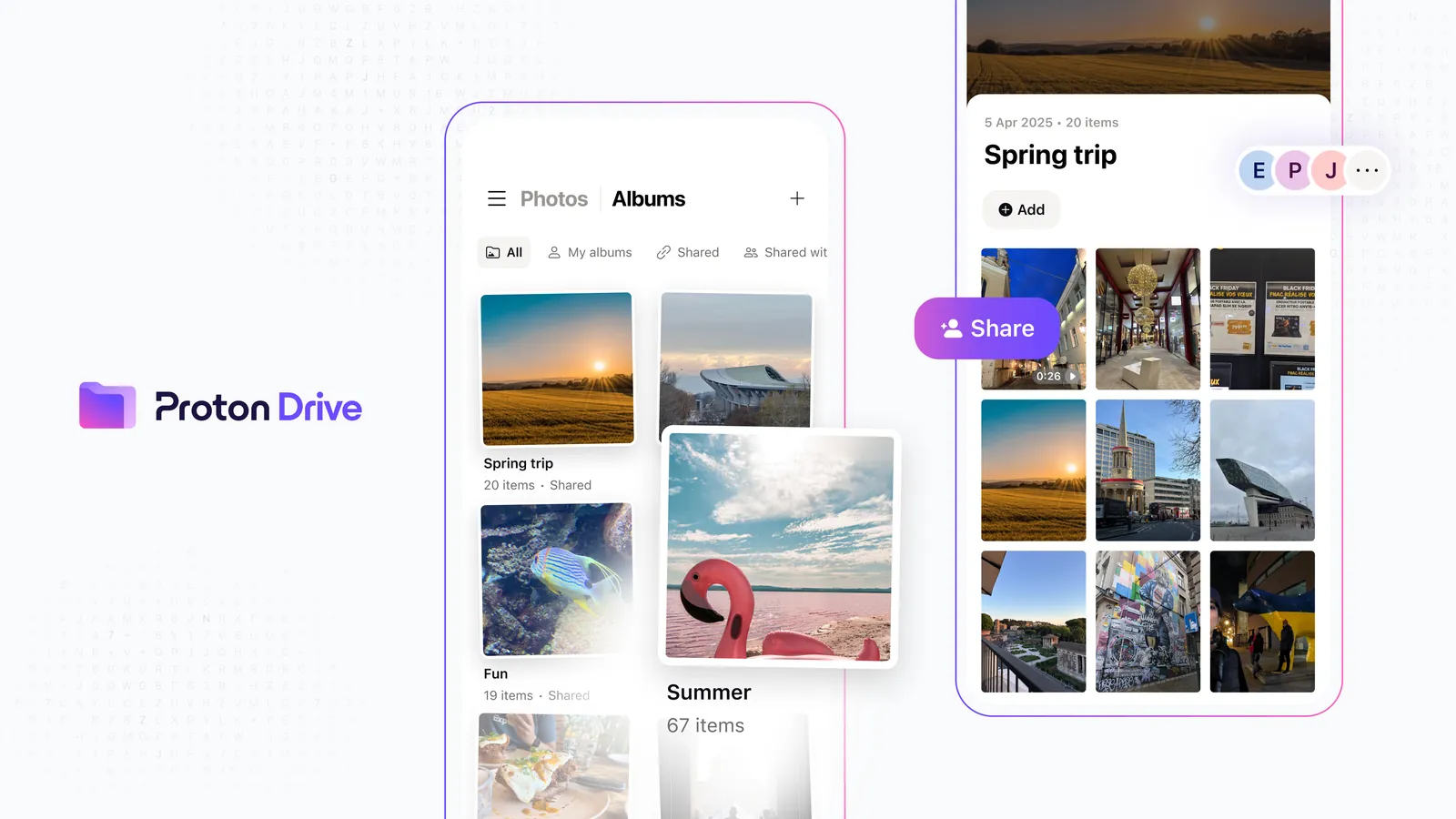
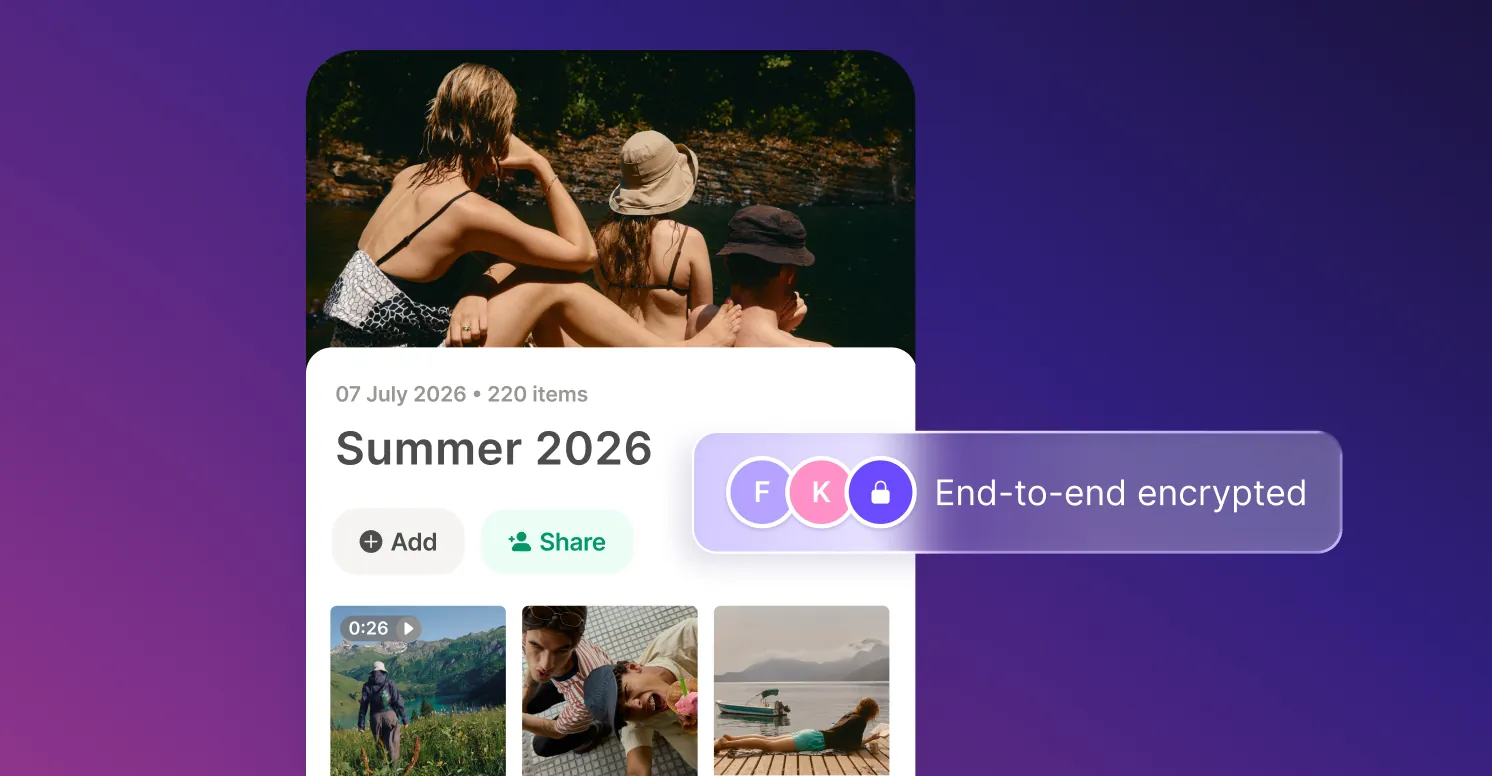
Albums work on the web, iOS and Android. Proton’s album guide explains that you can create an album from the Photos view or the Albums view, and that a photo added to several albums is not duplicated and takes no extra storage. Albums are end-to-end encrypted and can be shared; Proton’s comparison page says you can invite friends and family to view, download and contribute their own photos to your albums, and that recipients do not need a Proton account. Links can carry a password and an expiry date. One limitation: albums from other photo services are not imported as albums, so you rebuild them in Proton, or let the Windows app create them from folder names during an import.
The AI training question
This is the claim most readers ask about, so here it is with its source. Proton’s Google Photos comparison page says your photos are protected so that no one else, Proton included, can see them or use them to train AI models, and its table lists “No AI training on your data.” That is Proton’s own claim about its service. What makes it more than a promise is the design: with end-to-end encryption, the server stores data it cannot decrypt, so there is nothing readable to train on. Proton also says the code of its Drive apps is open source, which lets outsiders check how that encryption is implemented.
What it costs
Proton’s free plan gives 5 GB, which Proton says is enough for more than 1,000 high-resolution photos. Drive Plus gives 200 GB for $4.99 a month, or $47.88 a year on the yearly plan, and Proton’s pricing page says the yearly plan is billed at $47.88 every 12 months, so it renews at the same price. Proton Unlimited adds 500 GB plus Mail, VPN and Pass for $119.88 a year, and Proton Duo gives two people 2 TB for $179.88 a year. If your library is under 200 GB, compare Proton Drive’s photo storage plans and test backup on the free tier first. Our Proton Drive review covers the file side, and is Proton Unlimited worth it works out when the bundle beats Drive Plus.
Where Proton Drive is weaker
Proton Drive is cloud storage with a good photo section, not a photo editor. Proton’s pages describe backup, albums, favourites and sharing, but not the automatic search by faces, objects and places that Google Photos is known for, so if you rely on typing “beach 2019” into a search box, expect to browse by date and album instead. The Google Photos import route with automatic albums is Windows only; on the web, imported photos land in the timeline without albums.
2. Ente Photos: the best dedicated photo app
Ente is a photo service built only for photos, and it is the closest private equivalent to the Google Photos experience. Its homepage lists end-to-end encrypted backups, on-device face detection and grouping, natural language search it calls “zero knowledge AI”, curated memories, shared albums and public links, and it states “No Ads | No Spying | No Training”. Apps exist for Android, iOS, Linux, Mac, Windows and the web, which is wider than Proton Drive’s list.
The free plan is the most generous here at 10 GB. Paid plans on October 11, 2026 were 50 GB at 2.49 a month (29.88 a year), 200 GB at 4.99 a month (59.88 a year), 1,000 GB at 9.99 a month (119.88 a year) and 2,000 GB at 19.99 a month (239.88 a year), the same figures in dollars and euros. Paid plans can be shared with family at no extra cost, and Ente says paid data is stored in three replicas against one on the free plan.
Ente’s security record is published. In March 2023 it announced a cryptography review and source code audit by Cure53 and Symbolic Software, and in November 2025 it published the results of a CERN-sponsored audit of its server side by five researchers from Cure53, which found 15 security related issues, 12 of them fixed during the audit, and no data integrity issues. The code is open source and the service can be self-hosted.
Where Ente falls short of Proton is breadth: it is a photo app, so documents, file sharing and email stay elsewhere. At 200 GB it costs $12 a year more than Proton Drive Plus. If photos are the only thing you want to move, that is a fair price for a purpose-built app.
3. iCloud Photos with Advanced Data Protection: for Apple-only homes
If every device in your home is an iPhone, iPad or Mac, iCloud Photos is the easiest switch, provided you turn on Advanced Data Protection. Without it, Apple’s support page says Photos is encrypted in transit and on the server with keys Apple holds. With it, Photos joins the categories that are end-to-end encrypted, with keys only on your trusted devices.
The fine print matters. Advanced Data Protection requires iOS 16.2, iPadOS 16.2 or macOS 13.1 or later on all your Apple devices, and it asks you to set up at least one recovery contact or recovery key first. Shared Albums in Photos do not support it, so pictures you share through a shared album are not end-to-end encrypted even with the setting on. Access through iCloud.com is turned off by default once it is enabled.
On price, Apple is the cheapest of the private options at most sizes. Apple’s US price list on October 11, 2026 showed 50 GB at $0.99 a month, 200 GB at $2.99, 2 TB at $9.99, 6 TB at $29.99 and 12 TB at $59.99. The catch is that it is built around Apple’s own devices; Advanced Data Protection is set up from Apple devices and every one of them has to meet the software requirement, so it is a weak fit for a household with Android phones or Windows laptops.
4. Immich: for people who run their own server
Immich is open-source photo software you install on your own hardware. Its documentation describes a quick install with Docker on a machine with at least 6 GB of RAM and 2 CPU cores, and the project is licensed under the GNU AGPL v3. Mobile apps exist for Android and iOS. The privacy model is simple: your photos sit on a machine you own, so no cloud provider holds them at all.
The software is free. Immich sells optional product keys, $25 for a single user and $100 for a family, both lifetime purchases with “supporter status”, and its purchase page says they unlock no additional features. The real costs are hardware, electricity and your time.
The responsibility is the trade-off. Immich’s own documentation says you must set up manual backups of the images and videos in its upload location, because its built-in backups cover the database, which holds only metadata and user information. A server in a cupboard with no offsite copy is one failed disk away from losing everything. For a technical user who already runs a home server and keeps an offsite backup, Immich is excellent. For everyone else, a managed service is safer.
What about Sync.com and staying on Google?
Sync.com is worth a look if you want one large plan for photos and files. Its individual plans include end-to-end encryption and automatic camera upload, the free plan gives 5 GB, and on October 11, 2026 the Personal 1 TB plan was $72 for the first year on a 50 percent promotion, with Sync’s page stating that plans then renew at the regular price of $12 a month billed annually, which is $144 a year. That renewal doubles the first-year price, so budget on the regular figure. Its photo features are those of a file service: camera upload and folders rather than albums built for browsing.
Staying on Google is also a legitimate choice for some people. Google Photos has the strongest search and editing tools in this group, Google states that it does not use your photos for ads or sell them, and it says face groups and labels are only visible to you. If what bothers you is mainly ads, those statements may be enough. If what bothers you is that the provider can process your library at all, they are not, because none of Google’s Photos pages describes end-to-end encryption.
How do you move your library out of Google Photos?
For Proton Drive, the route is Google Takeout, and Proton’s guide to importing from Google Photos walks through it. The same export works for every service on this list.
- Go to takeout.google.com, click Deselect all, then tick only Google Photos and click Next step.
- Choose Send download link via email, the .zip file type and a split size. Proton’s guide uses 2 GB and recommends the largest size available, so related photos stay together.
- When Google’s email arrives, open Manage Google Takeout request and download every part. The link is available for one week, so do not leave it.
- Unzip all parts on your computer.
- Import. In the Proton Drive web app, open the Photos tab and drag in the unzipped folders; they appear in your timeline. In the Windows app, go to Photos import, then Import from Google Photos, and select each folder. The Windows app sorts photos into albums based on folder names and skips duplicates.
Three tips make the move smoother. First, Proton Drive ignores files that are not images or videos, so you do not need to clean the export of Google’s metadata files before uploading. Second, Takeout can split one year across several folders, which gives you extra albums on Windows, so Proton suggests reorganising photos into year folders first. Third, check the result before deleting anything at Google: open a sample of photos from different years on a second device, confirm videos play, and only then remove your library from Google Photos. Turn on phone backup in the new app before you stop Google’s, so there is no gap in which new photos are only on the phone.
Budget for the time as well. A library of tens of gigabytes means tens of gigabytes to download and upload again, so start the Takeout export on a day when your connection is free, and keep the downloaded archive until the import has been checked.
Which option fits which household?
A parent backing up a phone of family photos. The priority is that backup happens without thinking and that grandparents can see an album without creating an account. Proton Drive does both: automatic backup on the phone, and shared albums that recipients open without a Proton account, with a password and expiry date if wanted. If the library is under 200 GB, Drive Plus at $47.88 a year covers it.
A photographer who searches by people and places. Ente’s on-device face grouping and natural language search come closest to what Google Photos does, while keeping the library end-to-end encrypted. The 1,000 GB plan at $119.88 a year suits a larger archive.
An all-Apple couple. iCloud+ 200 GB at $2.99 a month with Advanced Data Protection turned on is the cheapest private option, as long as you accept that Shared Albums are not covered by end-to-end encryption.
A household with mixed phones and two adults. Proton Duo gives two people 2 TB for $179.88 a year, works on Android and iPhone, and includes Proton’s other apps for both. That is more than iCloud+ 2 TB in cash, but it works across platforms.
A home server enthusiast. Immich, with an offsite copy of the photo folder, ideally to an encrypted service such as Proton Drive. Self-hosting removes the provider, but it does not remove the need for a second copy elsewhere.
Two buying mistakes come up again and again. The first is choosing on the first-year price alone; Sync.com’s promotion doubles at renewal, while Proton’s yearly price is the renewal price. The second is deleting the Google library the day the upload finishes, before checking that every year and every video arrived intact.
Frequently asked questions
What is the most private of the Google Photos alternatives?
Among managed services, Proton Drive and Ente Photos both encrypt your library end to end on every platform, so the provider cannot see your pictures. Ente is a dedicated photo app with on-device face grouping; Proton Drive adds file storage, sharing and Proton’s other apps. Immich is more private still if you run it on your own hardware, but then backups are your responsibility.
Does Proton Drive back up photos automatically?
Yes, once you turn it on. In the Android or iOS app you open the Photos tab and tap Turn on backup. On Android only the Camera folder is backed up by default, and you can add other folders in Settings under Photo backup. A large first backup can take several days on iPhone, according to Proton.
Does Proton use my photos to train AI?
Proton says no: its Google Photos comparison page says no one, including Proton, can see your photos or use them to train AI models. That is Proton’s claim, but it follows from the design, because end-to-end encryption means Proton’s servers only store data they cannot decrypt.
Can I keep my Google Photos albums when I move?
Partly. Albums are not imported as albums from other services. The Proton Drive Windows app creates albums automatically from folder names during a Google Photos import, so organising your Takeout export into folders first gives you usable albums. On the web, imported photos go into the timeline and you build albums yourself.
Is iCloud Photos end-to-end encrypted?
Only with Advanced Data Protection turned on. Apple’s support page says Photos is then end-to-end encrypted with keys on your trusted devices. Without it, Apple holds the keys. Shared Albums do not support Advanced Data Protection, so photos shared that way are not covered.
How much free storage do these services give?
Google gives 15 GB shared with Gmail and Drive. Ente gives 10 GB for photos. Proton Drive gives 5 GB, which Proton says holds more than 1,000 high-resolution photos, and Sync.com gives 5 GB. Immich has no storage limit of its own because it runs on your hardware.
Which private photo service should you choose?
For most people leaving Google, Proton Drive is the best of the Google Photos alternatives: automatic encrypted backup on Android and iPhone, albums that family can view and add to without an account, metadata protection, a yearly price that is also its renewal price, and a free 5 GB tier to test it. Choose Ente Photos if you want a dedicated photo app with on-device face grouping, iCloud Photos with Advanced Data Protection if your home is all Apple, and Immich only if you are comfortable running and backing up your own server.
Who should not switch: anyone who depends on Google’s search and editing tools and is comfortable with Google’s privacy statements. For everyone else, try Proton Drive’s photo backup free, move a year of photos first, check it on a second device, and upgrade once you know how much space your library needs.
8.3 Score
Pros
- Automatic, end-to-end encrypted photo backup on Android and iPhone, with metadata such as file names and timestamps protected too.
- Shared albums that friends and family can view and add to without a Proton account, with optional password and expiry.
- Drive Plus renews at the same $47.88 a year, and the free plan gives 5 GB to test it.
- A documented Google Takeout import, with automatic albums from folder names in the Windows app.
Cons
- No face or object search of the kind Google Photos offers.
- Album creation during import works only in the Windows app; the web import fills the timeline only.
- iCloud+ is cheaper per gigabyte for Apple-only households.
- Ente's free tier is larger, at 10 GB against 5 GB.
Final Verdict
Proton Drive is the best private replacement for Google Photos for most people: automatic encrypted backup on both phone platforms, shared albums that work without an account, protected metadata and a yearly price that is also the renewal price. It lacks Google's face and object search, and Apple is cheaper per gigabyte for all-Apple homes, but for a cross-platform household that wants its photos out of reach of its provider, it is the easiest strong choice.